Carpentry & Framing
Documentation App
Document hardware, connections, and hidden conditions: timestamped proof of the structure before insulation and drywall make it invisible.





Trusted by 1,200+ field contractors across the trades.
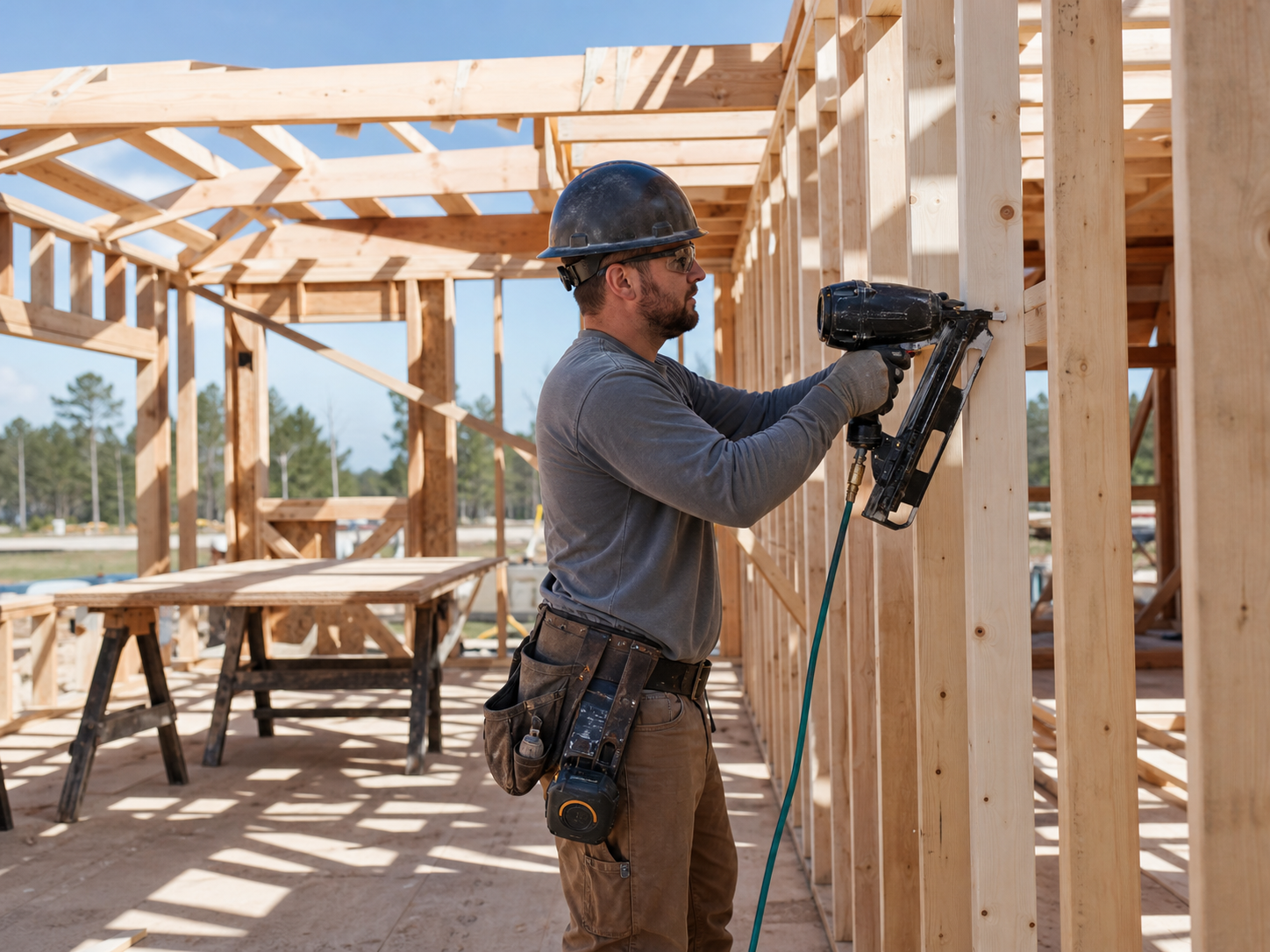




Without Documentation, You're Exposed
Framers build the work everyone covers up. Here's what's at stake when there's no record of it.
Structural Work Hidden at Cover-Up
Joist hangers, hold-downs, shear nailing patterns, beam bearing: all invisible after insulation and drywall. When an engineer questions a connection or a floor bounces two years later, you can't prove your framing met the plans without opening walls.
Hidden Conditions Eat Your Margin
You open a wall on a remodel and find rot, termite damage, or illegal framing from 1987. Without photos documenting the discovery, the change order turns into a negotiation — and hesitation on the client's side means you're framing around the problem for free.
Failed Inspections & Schedule Blame
A failed framing inspection stalls every trade behind you, and the GC remembers whose name was on the correction list. Records of completed corrections scattered across phones mean re-inspections get scheduled late and blame lands on you.
How It Works
Three simple steps to organized, professional documentation.
Document the Structure
Capture framing before it's covered: connections, hardware, shear panels, corrections. On remodels, document existing conditions the moment walls open. Every photo timestamped and geotagged.
Organize by Job & Phase
Photos grouped by job and categorized by stage: existing conditions, layout, framing, hardware, sheathing, corrections, finish work. Context stays clear with notes.
Report & Share
Generate professional PDF reports in minutes. Send framing records to GCs and engineers before insulation goes in.
Built for Carpentry & Framing Contractors
Every feature designed to save you time and protect your business.
Timestamped Framing Photos
Every photo captures date, time, and GPS automatically: dated proof of every connection and correction before drywall hides it.
Carpentry Stage Categories
Organize photos by phase: existing conditions, layout, floor framing, walls, roof, hardware and connections, sheathing, corrections, trim and finish.
Engineer & GC Reports
Generate PDF reports with hardware schedules photographed, correction documentation, and pre-cover records. Closeout-ready for the GC's file.
Automatic Cloud Backup
Every photo backed up automatically. Structural records need to outlast phones, crews, and even your company — and they do.
Share with GCs & Engineers
Send framing records to superintendents, engineers, and inspectors via email or text link before cover-up. The record exists on both sides.
Built for the Framing Crew
Fully offline capable, one-handed capture with a tool belt on. Document a floor of framing in minutes without slowing the crew.
Real-World Use Cases
See how carpentry & framing contractors use Fieldpost on every job.
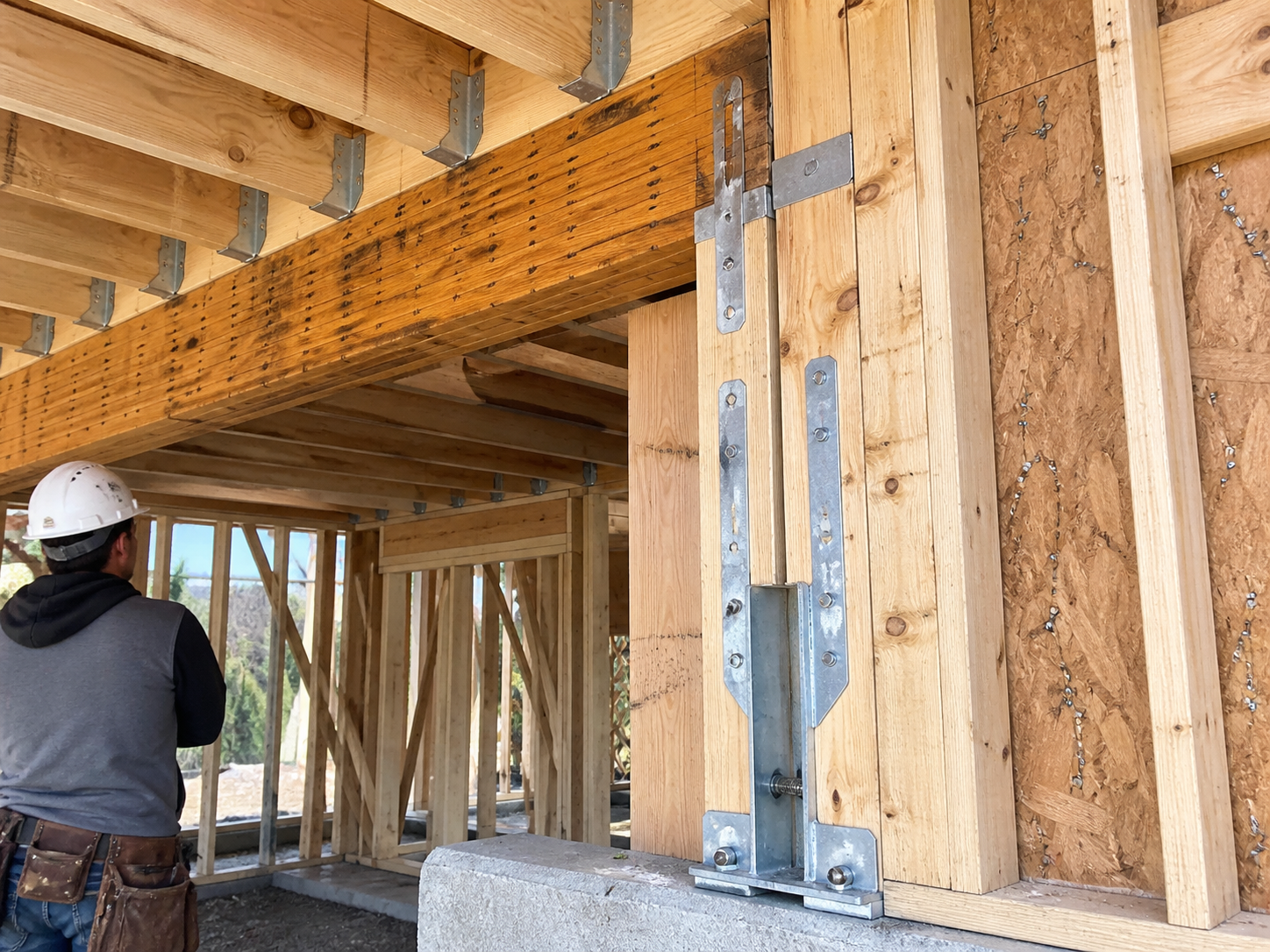
Structural Hardware & Connection Records
Photograph what the engineer specified and your crew installed: joist hangers and their nailing, hold-downs torqued to spec, shear wall nailing patterns, beam bearing points, LVL connections. After cover-up, these photos are the only proof the structure was built to plan. When a question comes — from an engineer, an inspector, or a lawyer — you answer in minutes, not by demoing drywall.
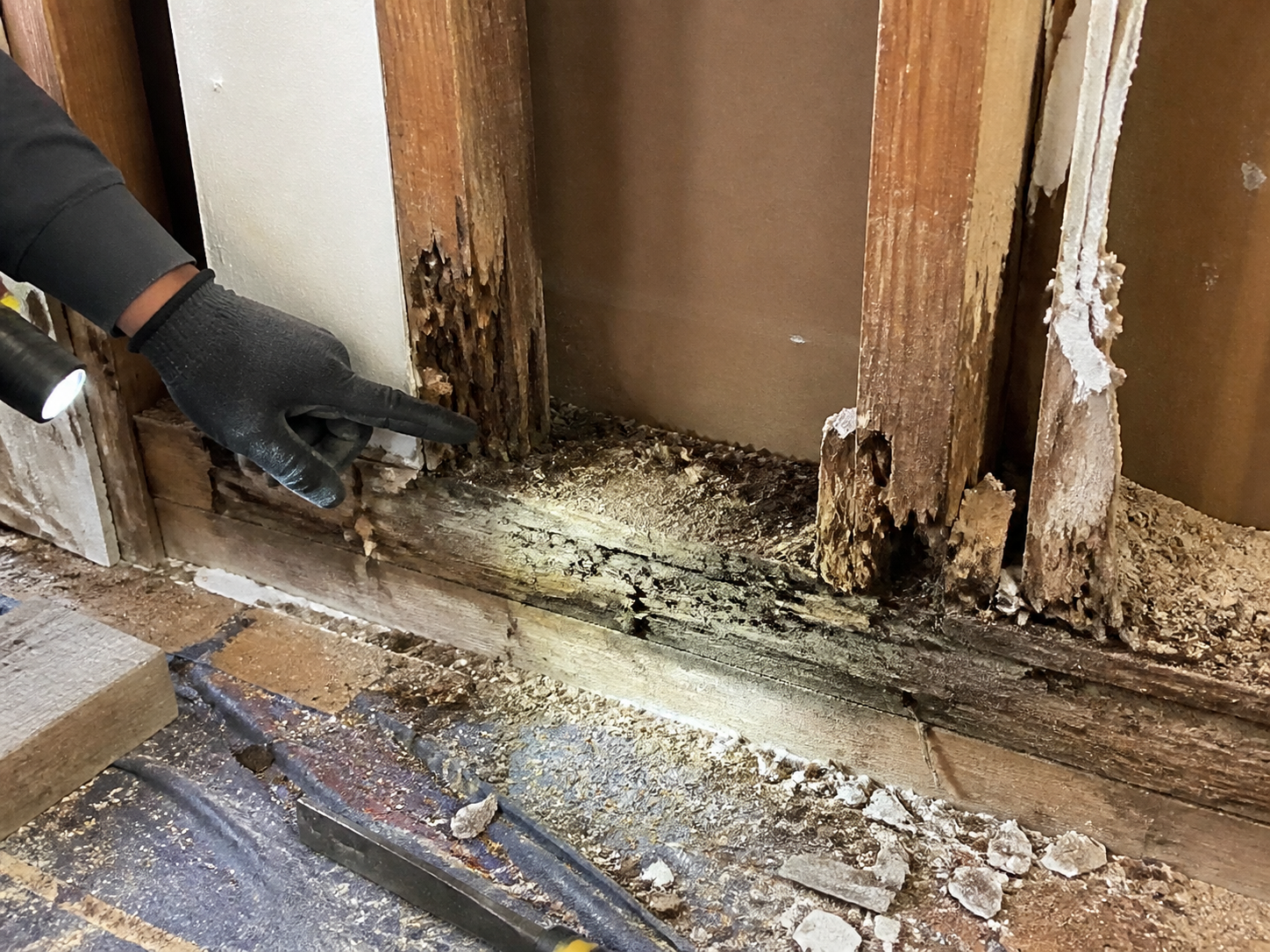
Hidden Condition Change Orders
The wall opens and there it is: rotted sill plate, termite-eaten studs, a load-bearing wall someone notched for plumbing in a previous remodel. Photograph it immediately, annotate what's needed, and send the change order with photo evidence the same day. Clients approve fast when they can see the problem — and your scope record protects you from "you should have known" disputes later.
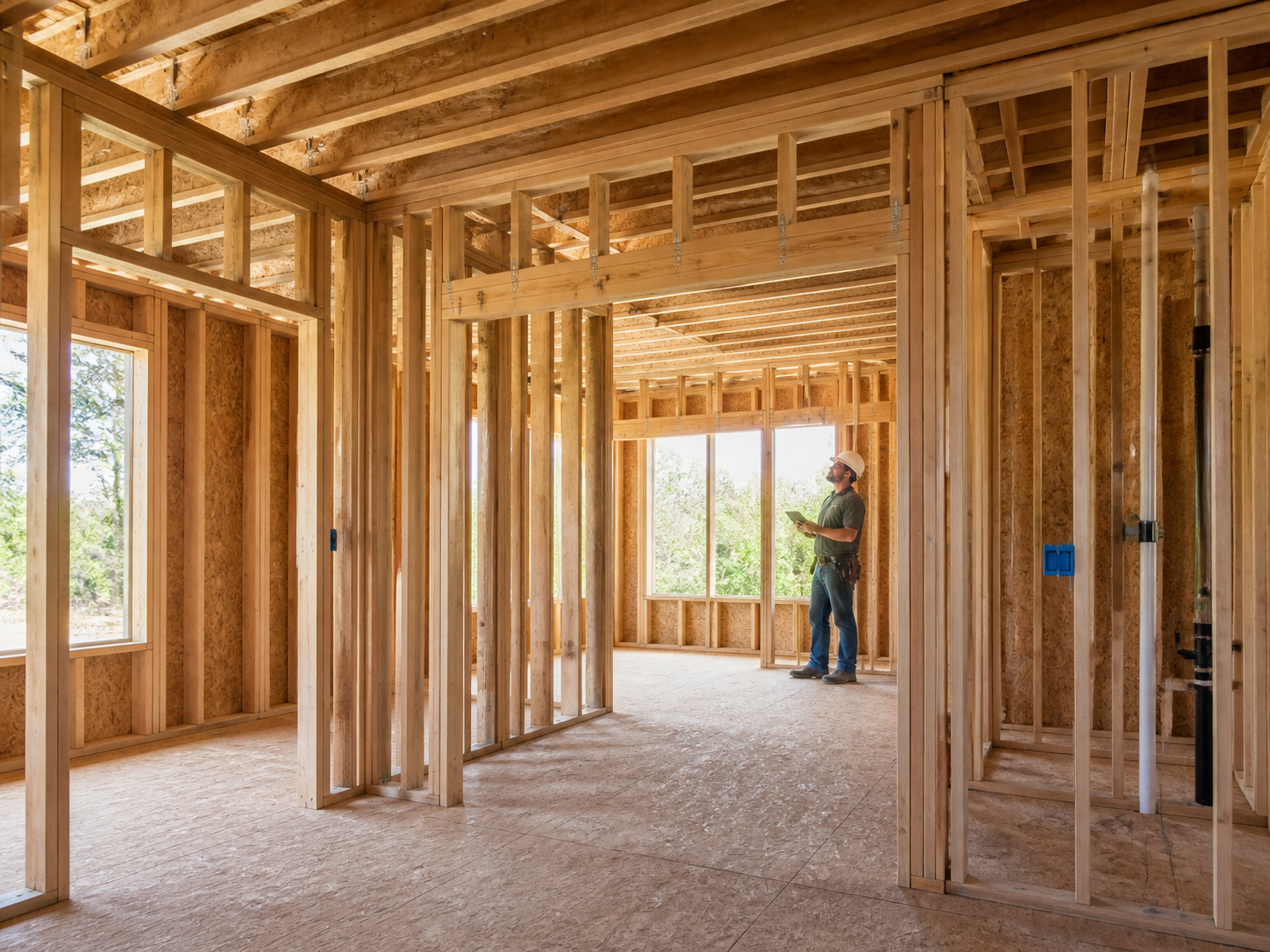
Inspection & Punch Documentation
Document framing inspection corrections as they're completed — each item photographed, dated, and organized. Re-inspections get scheduled same-day with photo proof in hand. For finish carpentry, document trim, built-ins, and stair work at completion so client sign-off, punch items, and final payment all reference the same visual record.
Drywall is coming. Document the structure first.
30 days free. Photograph your next frame before cover-up and keep the proof forever.
Start Free TrialFree for 30 days. No credit card required.
Frequently Asked Questions
Questions carpentry & framing contractors ask before getting started.
Can photos really substitute for opening a wall in a structural dispute?
In most cases, yes. Timestamped, geotagged photos of hangers, hold-downs, and nailing patterns taken before cover-up are accepted by engineers, inspectors, and insurers as evidence of as-built conditions. Without them, the only options are destructive investigation or taking the blame.
How fast can I get a change order documented when we find rot?
Minutes. Photograph the condition, add notes on the scope, generate a PDF, and email or text it to the client or GC before lunch. Photo-backed change orders get approved dramatically faster than a phone call describing "some rot we found."
Does it work on jobsites without cell coverage?
Yes. Fieldpost works fully offline. Capture and organize photos anywhere on site, and everything syncs automatically when you're back in coverage.
Do my carpenters need training to use this?
No. Open the app, hit the camera button, photos tag to the right job automatically. Crews are documenting on their first job. If you can use a phone camera, you can use Fieldpost.
How is this different from the camera roll on my phone?
Camera roll photos aren't organized by job or phase, vanish when phones break or carpenters move on, and can't prove time and location when a structural question lands years later. Fieldpost organizes everything automatically and generates a professional report in under two minutes.
Can I add my whole crew to one account?
Yes. Plans start at 3 users for $25/month, with additional users at $10/month. Every carpenter documents to the same jobs in real time. No annual contracts.
Common Carpentry & Framing Contractors Workflows
See how carpentry & framing contractors document specific scenarios.
Hidden Conditions & Change Orders
Rot and surprises behind walls, documented for same-day change orders.
Learn moreQuality Control & Inspections
Connections and nailing verified before insulation hides them.
Learn morePermit & Code Compliance
Inspection corrections photographed and ready for re-inspection.
Learn morePre-Existing Damage Documentation
Existing structure documented before your saw touches it.
Learn morePunch List Tracking
Snap, annotate, share. Close out jobs faster.
Learn moreDaily Jobsite Progress Tracking
Daily photo records of crew progress, site conditions, and work completed.
Learn moreOther Trades We Serve
Fieldpost is built for teams across the trades.
General Contractors
Coordinate documentation across every trade, hold subs accountable, and keep owners updated on every phase.
View industry pageSiding & Exterior Trades
Housewrap and flashing records before siding goes on, plus hidden rot documentation.
View industry pagePainting & Finishing Contractors
Pre-paint condition records, surface prep documentation, and final walkthrough proof.
View industry pageRoofing Contractors
Storm damage claims, tear-off condition records, and warranty-ready install documentation.
View industry pageDemolition Contractors
Pre-demo surveys of adjacent property, disconnect verification, and clearance documentation.
View industry pageStart Documenting Your Carpentry Jobs Today
Join carpentry and framing contractors that protect their work with organized photo documentation.
Free for 30 days. No credit card required.