Electrical Contractor
Documentation App
Document panel conditions, rough-ins, and code compliance: timestamped proof that holds up with GCs, inspectors, and insurance carriers.





Trusted by 1,200+ field contractors across the trades.
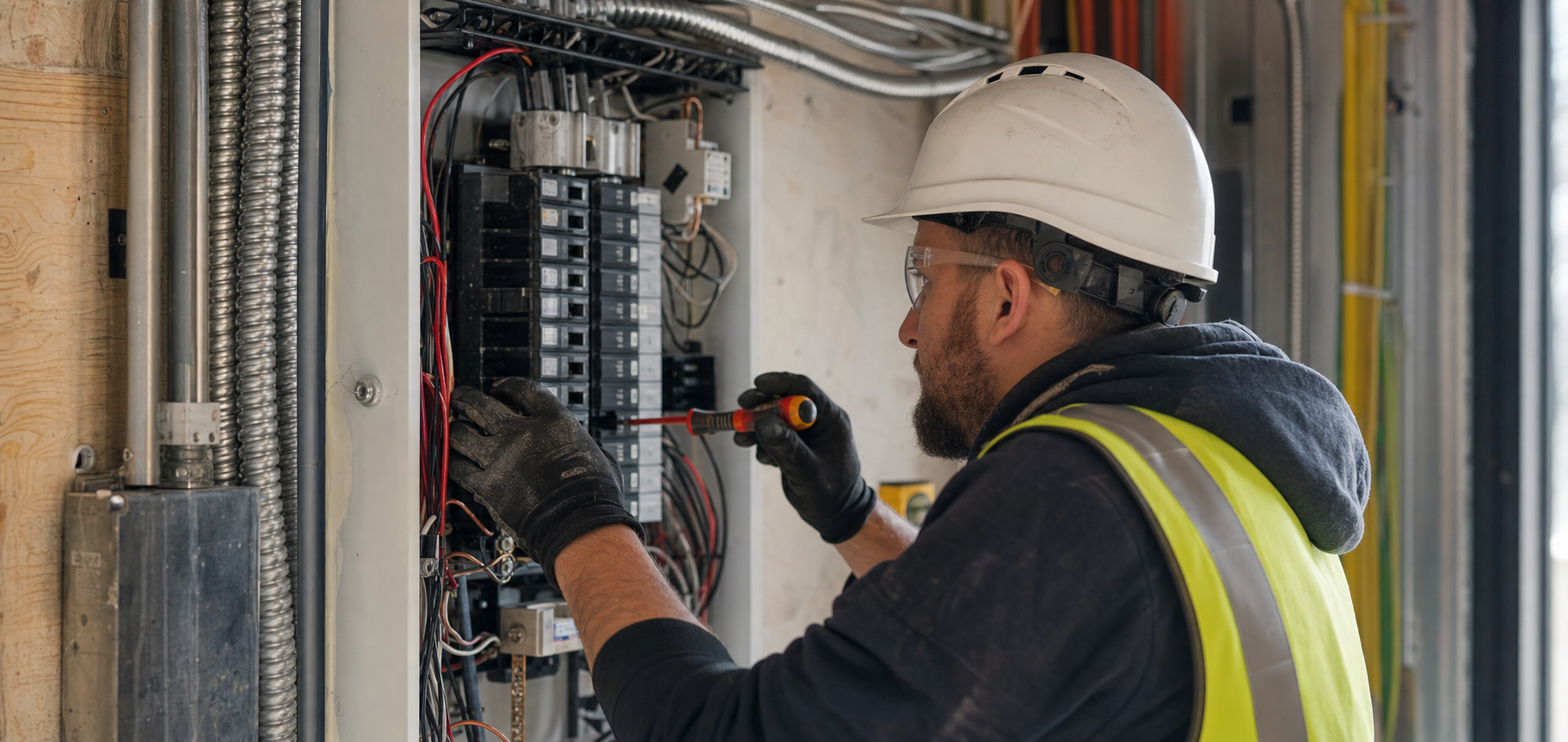




Without Documentation, You're Exposed
Electrical contractors face unique risks when field work isn't properly documented. Here's what's at stake.
Blamed for Existing Hazards
Aluminum branch wiring, double-tapped breakers, scorched bus bars — if you worked in that panel and something fails later, you own it unless you can prove the hazard predated you. A fire investigation with no photos of what you found is a career-level risk.
Rough-In Buried Behind Drywall
Box placement, wire routing, nail plates: once the drywall is up, you can't prove your rough-in was right. When the GC says a box is missing or misplaced, reopening walls on your dime is the cost of not having photos.
Code Compliance Gaps
AFCI/GFCI locations, grounding, panel labeling, torque specs: inspectors want evidence, and a failed final costs you a return trip and a delayed close-out. Records scattered across phones and trucks aren't records at all.
How It Works
Three simple steps to organized, professional documentation.
Document What You Found
Capture the existing panel, wiring condition, and any hazards before you start: federal pacific panels, aluminum wiring, DIY junctions. Every photo automatically timestamped and geotagged.
Organize by Job & Stage
Photos grouped by job and categorized by stage: existing conditions, demo, rough-in, service upgrade, trim-out, final. Notes and annotations keep context clear.
Report & Share
Generate professional PDF reports in minutes. Share with GCs, inspectors, or homeowners via email or text, straight from your phone.
Built for Electrical Contractors
Every feature designed to save you time and protect your business.
Timestamped Panel & Rough-In Photos
Every photo captures date, time, and GPS automatically: proof of the panel's condition before you opened it and your rough-in before it was covered.
Electrical Stage Categories
Organize photos by phase: existing conditions, demo, rough-in, service work, panel, trim-out, final. Every stage documented before drywall and deadlines bury it.
Inspection-Ready Reports
Generate PDF reports with rough-in records, panel photos, and device locations. Professional enough for a city inspector, a GC closeout package, or an insurance carrier.
Automatic Cloud Backup
Every photo backed up automatically. Never lose a job record because a phone broke or an electrician moved on.
Share with GCs & Inspectors
Send reports and photos directly to general contractors, inspectors, or homeowners via email or text link, straight from the jobsite.
Works in Attics & Mechanical Rooms
Fully offline capable. Capture photos in attics, basements, and steel buildings with no signal. Syncs automatically when you're back in coverage.
Real-World Use Cases
See how electrical contractors use Fieldpost on every job.
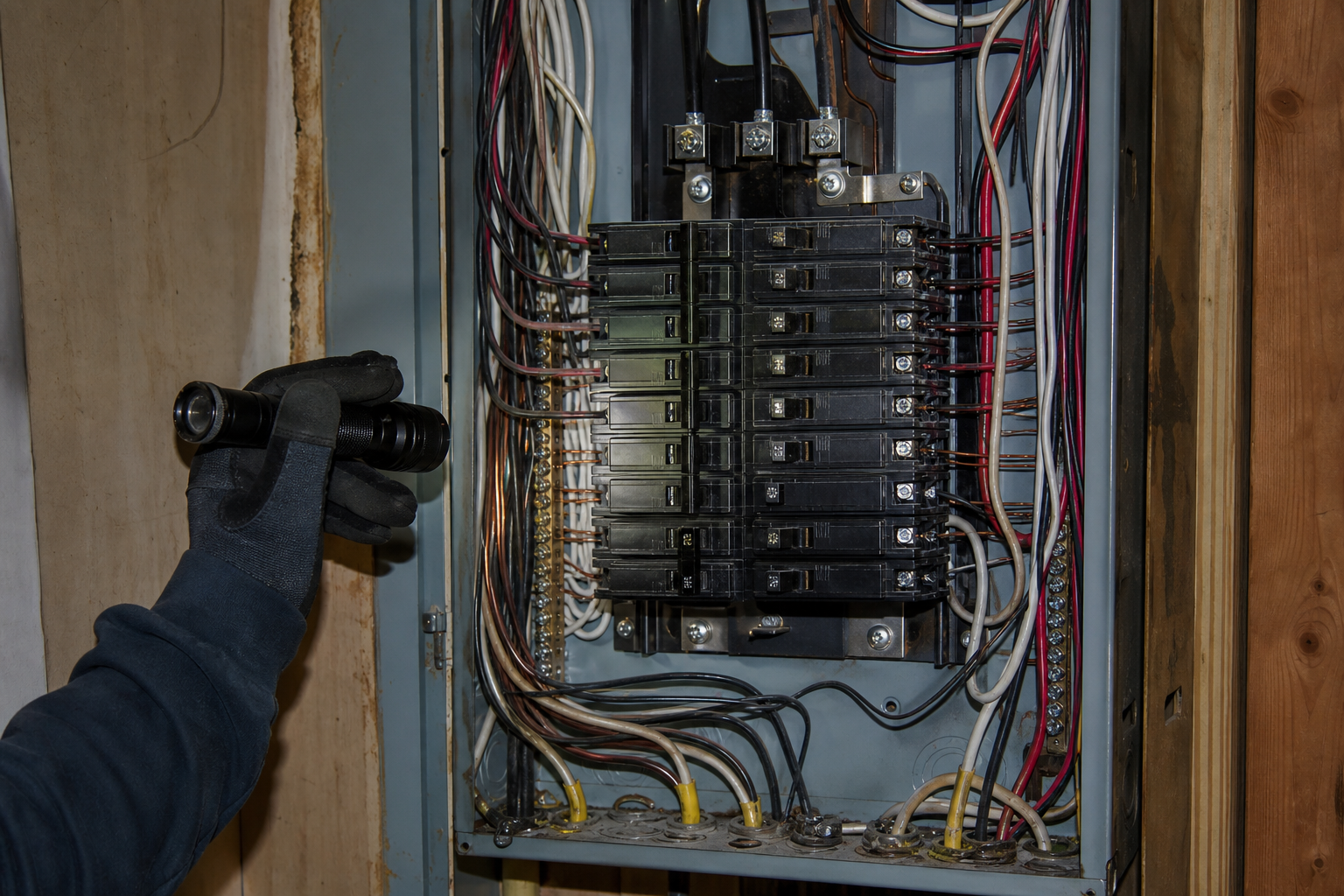
Panel & Service Condition Reports
Before touching a panel, document everything: breaker brands and positions, wire condition, signs of overheating, grounding and bonding, code violations from previous work. If that building has an electrical problem a year later, your timestamped photos establish exactly what you found and what you changed. For service upgrades, before-and-after panel photos are also your best sales tool.
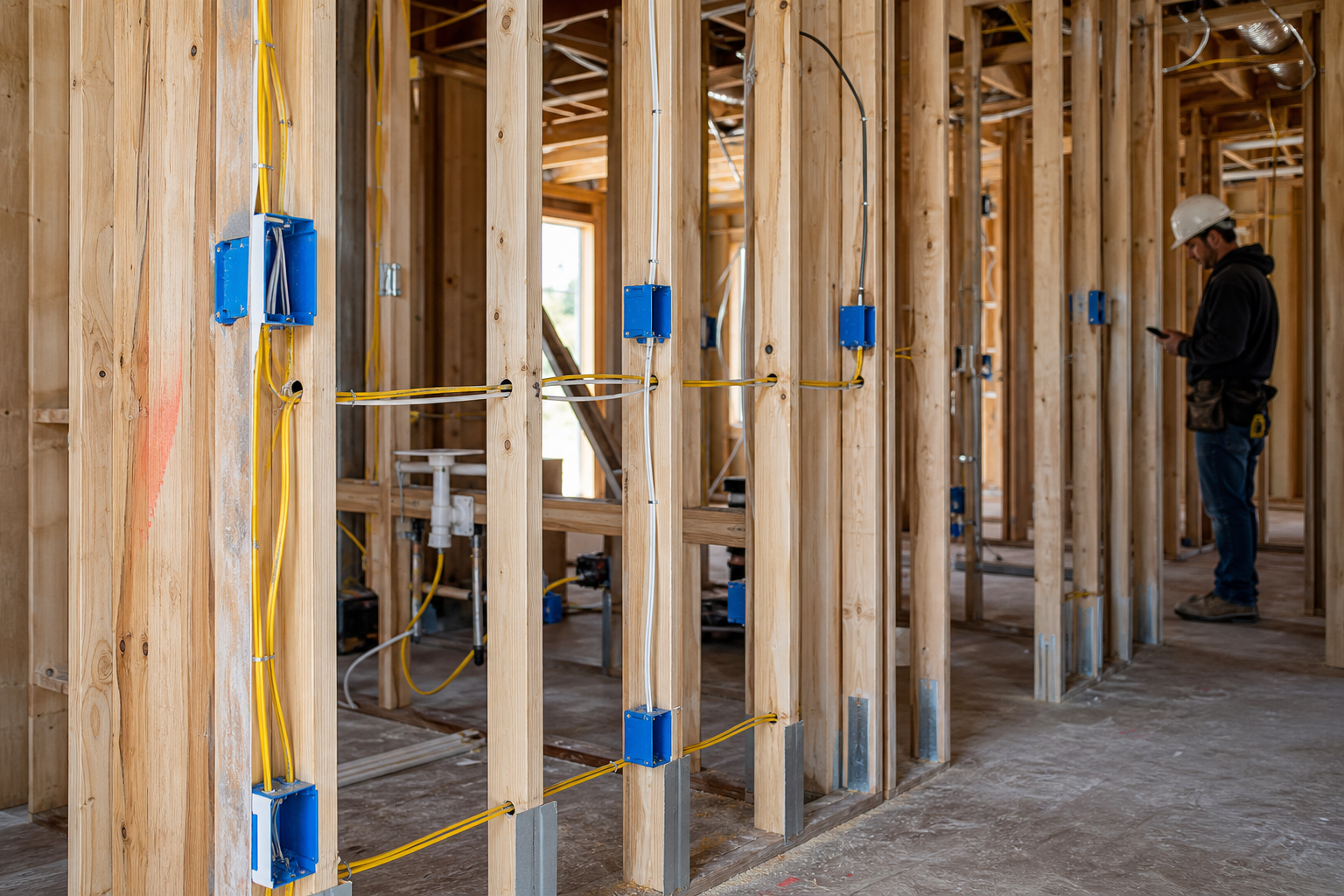
Rough-In Records Before Drywall
Photograph every room's rough-in: box heights and locations, home runs, nail plates over shallow bores, low-voltage separation. When a different trade damages your wiring or the GC questions a device location, you have dated proof your work was correct and complete at cover-up. Walls stay closed, and the re-work bill lands where it belongs.
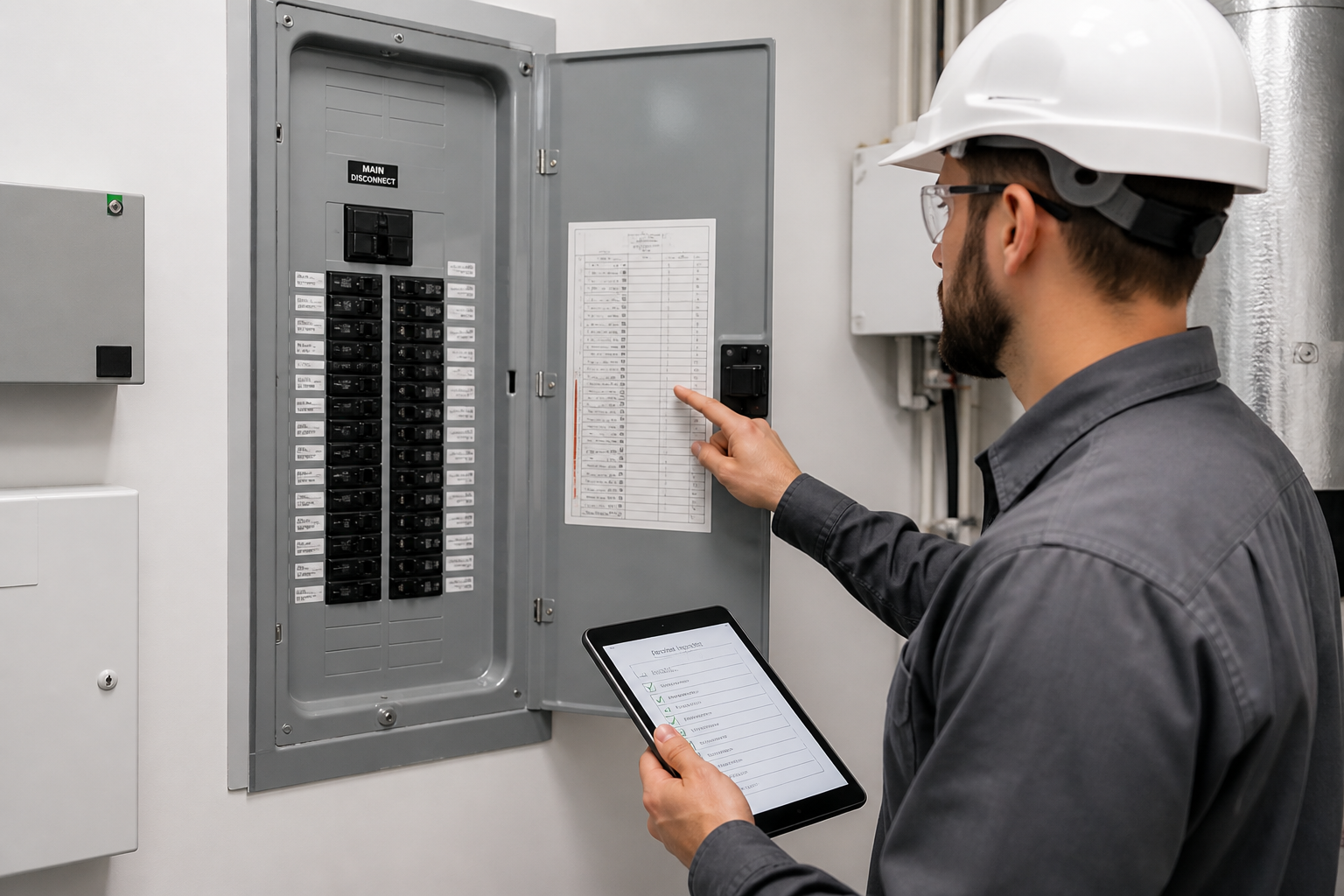
Final Inspection & Closeout Packets
Document the finished work: labeled panel schedule, GFCI/AFCI protection at required locations, smoke and CO detector placement, equipment connections. Generate a closeout PDF for the GC or building owner in minutes. When the warranty call comes years later, you know exactly what was installed, where, and how it looked the day it passed final.
Stop reopening walls to prove you were right.
30 days free. Document your next rough-in and see what organized proof feels like.
Start Free TrialFree for 30 days. No credit card required.
Frequently Asked Questions
Questions electrical contractors ask before getting started.
Can photos really protect me if there's an electrical fire investigation?
Documentation is your strongest defense. Timestamped, geotagged photos showing the panel's condition before your work — existing double-taps, scorching, aluminum wiring — establish what predated you. Without that record, investigators and insurers look hardest at the last licensed electrician on site.
What about jobs with no cell coverage — attics, basements, steel buildings?
Fieldpost works fully offline. Capture photos, add notes, and organize them by job from anywhere. Everything syncs to the cloud automatically the moment you're back in service.
Do my electricians need training to use this?
No. Open the app, hit the camera button, and photos tag to the right job automatically. Most electricians are documenting on their first job. If you can use a phone camera, you can use Fieldpost.
How is this different from the camera roll on my phone?
Camera roll photos aren't organized by job, vanish when a phone breaks or an electrician leaves, and don't prove timestamps or location in a way that holds up with GCs, inspectors, or investigators. Fieldpost organizes everything automatically and produces a professional report in under two minutes.
How fast can I get a rough-in record to the GC?
Under 2 minutes. Select the job, pick the rough-in photos, and Fieldpost generates a branded PDF you can email or text to the superintendent before drywall starts. Now the record exists on both sides.
Can I add my whole crew to one account?
Yes. Plans start at 3 users for $25/month, with additional users at $10/month. Every electrician documents to the same jobs and you see it all in real time. Add or remove users as your crew changes. No annual contracts.
Common Electrical Contractors Workflows
See how electrical contractors document specific scenarios.
Pre-Existing Damage Documentation
Document hazards and code violations that predate your work.
Learn morePermit & Code Compliance
Rough-in and device records ready for any inspector.
Learn moreQuality Control & Inspections
Verify every box and run before drywall covers it.
Learn moreLiability & Dispute Protection
The photo record that protects your license and your insurance.
Learn moreMaintenance & Service Records
Visual records for recurring service contracts and disputes.
Learn morePunch List Tracking
Snap, annotate, share. Close out jobs faster.
Learn moreOther Trades We Serve
Fieldpost is built for teams across the trades.
HVAC Contractors
Pre-existing conditions, install stages, refrigerant logs, and warranty-ready service records.
View industry pagePlumbing Companies
Rough-in records, pressure test proof, and water damage liability protection.
View industry pageLow Voltage & Security Contractors
Cable pathway records before drywall, rack documentation, and as-built photos for service calls.
View industry pageSolar & Energy Contractors
Roof condition before install, attachment and flashing records, and PTO-ready inspection packets.
View industry pageGeneral Contractors
Coordinate documentation across every trade, hold subs accountable, and keep owners updated on every phase.
View industry pageStart Documenting Your Electrical Jobs Today
Join electrical contractors that protect their license and business with organized photo documentation.
Free for 30 days. No credit card required.