HVAC Contractor
Documentation App
Document pre-existing conditions, install stages, refrigerant logs, and service records: timestamped proof that holds up with manufacturers, adjusters, and inspectors.





Trusted by 1,200+ field contractors across the trades.
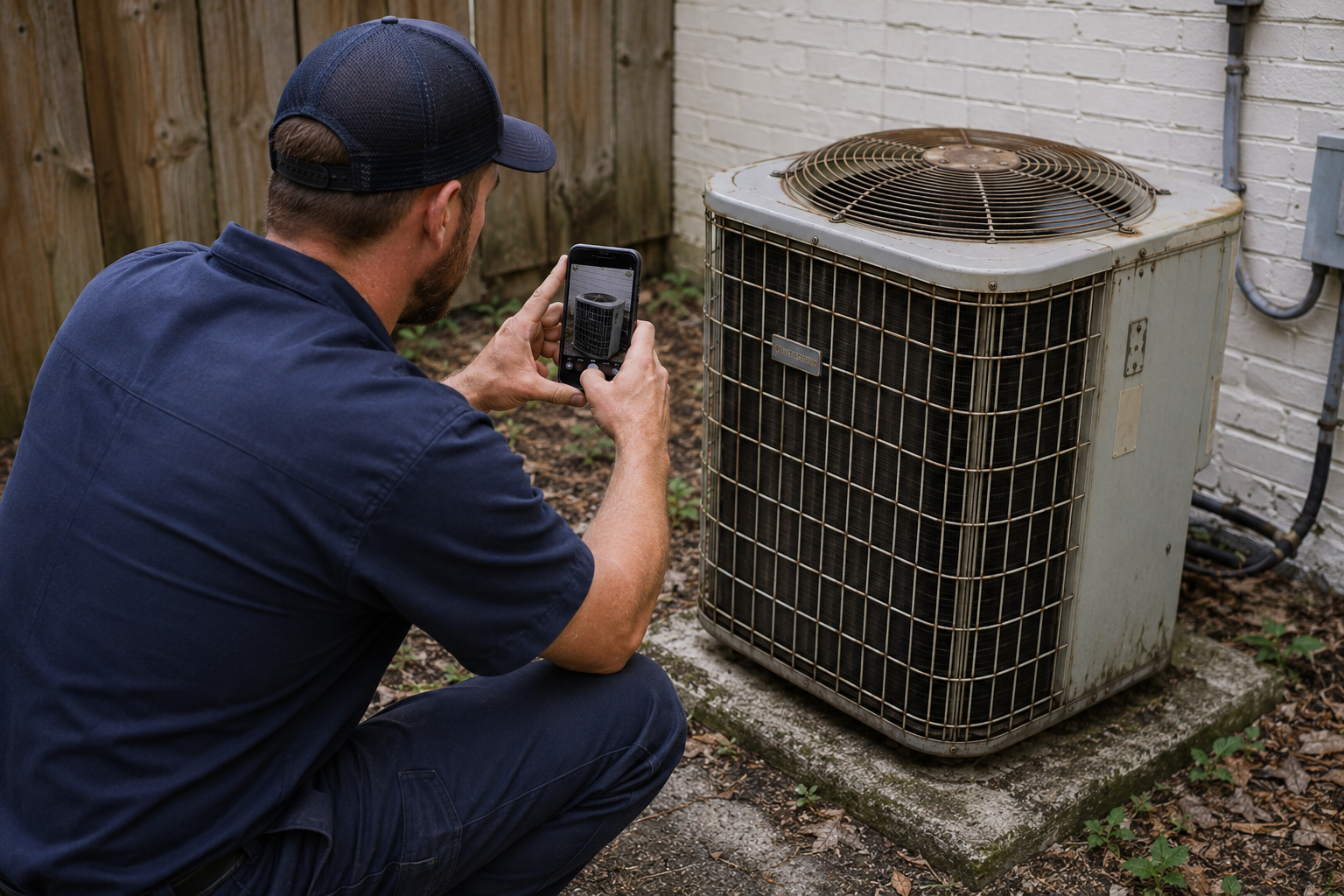




Without Documentation, You're Exposed
HVAC contractors face unique risks when field work isn't properly documented. Here's what's at stake.
Warranty Disputes Without Proof
Manufacturers deny claims when you can't prove the install was done right. Without timestamped, organized photos of every stage, you're left footing the bill for callbacks and replacements.
Pre-Existing Condition Liability
You touched it, now you own it. Without documenting the old system's condition before removal (corroded coils, failing wiring, existing damage), any future problem becomes your fault. Pre-construction documentation is the single best liability protection in the trade.
Compliance & Inspection Gaps
Code inspections, refrigerant logs, and permit documentation scattered across phones, trucks, and filing cabinets. When an inspector asks for records, you shouldn't be digging through a camera roll.
How It Works
Three simple steps to organized, professional documentation.
Document Before You Start
Capture pre-existing conditions before touching anything: the old unit, wiring state, existing damage. Then document each install stage and final completion. Every image is automatically timestamped and geotagged.
Organize by Project
Photos are grouped by job, categorized by stage: pre-install, rough-in, startup, completion. Notes and annotations keep context clear.
Report & Share
Generate professional PDF reports in minutes. Share with homeowners, manufacturers, or inspectors via email or text, straight from your phone.
We used to lose hours tracking down photos from techs' phones. Now every job is documented from day one, and our warranty claim success rate has gone way up.
Mike R.
Owner, Sample HVAC Co. (placeholder)
Built for HVAC Contractors
Every feature designed to save you time and protect your business.
Timestamped Job-Site Photos
Every photo captures date, time, GPS, and equipment details automatically: irrefutable proof tied to the specific job, serial number, and location.
HVAC Stage Categories
Organize photos by job phase: pre-existing conditions, demolition, rough-in, equipment set, line set, startup, and final completion. Every stage documented.
Warranty & Compliance Reports
Generate PDF reports formatted for manufacturer warranty submissions and inspector-ready documentation. Professional enough to send directly to warranty departments.
Automatic Cloud Backup
Every photo backed up automatically. Never lose documentation because a phone broke, got lost, or a tech left the company.
Share with Homeowners & Adjusters
Send reports and photos directly to homeowners, warranty departments, insurance adjusters, or inspectors via email or text link, straight from your phone.
Works in Attics, Crawlspaces & Rooftops
Fully offline capable. Capture photos, add notes, and organize by job from anywhere. Syncs automatically when you're back in service. Built for one-handed use with work gloves on.
Real-World Use Cases
See how HVAC contractors use Fieldpost on every job.
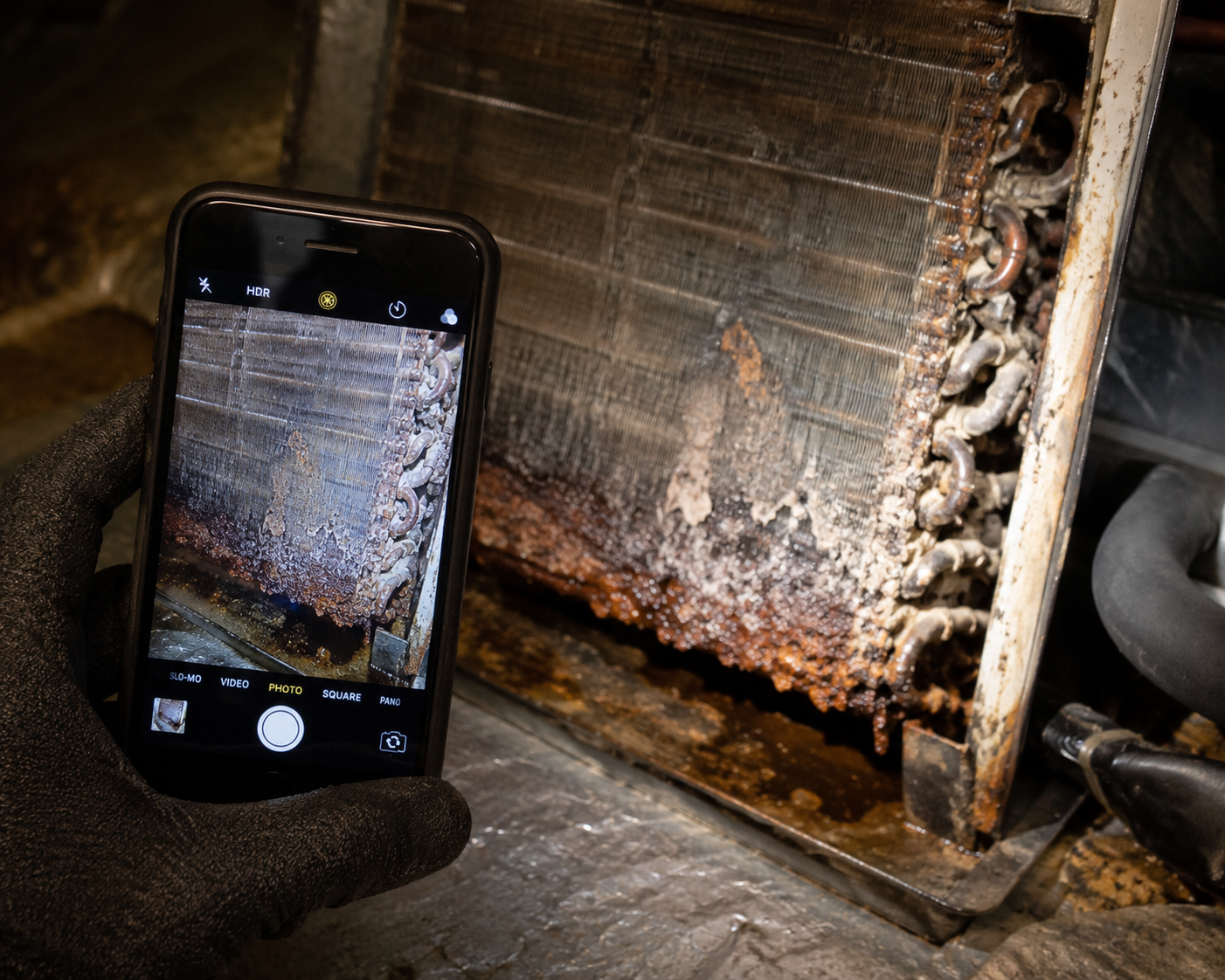
Pre-Job Condition Reports
Before touching a single wire, document the existing system's condition: refrigerant line state, electrical connections, ductwork condition, and any pre-existing damage. When a homeowner claims you caused a problem that was already there, your timestamped photos tell the real story. This single habit has saved HVAC contractors thousands in disputed callbacks.
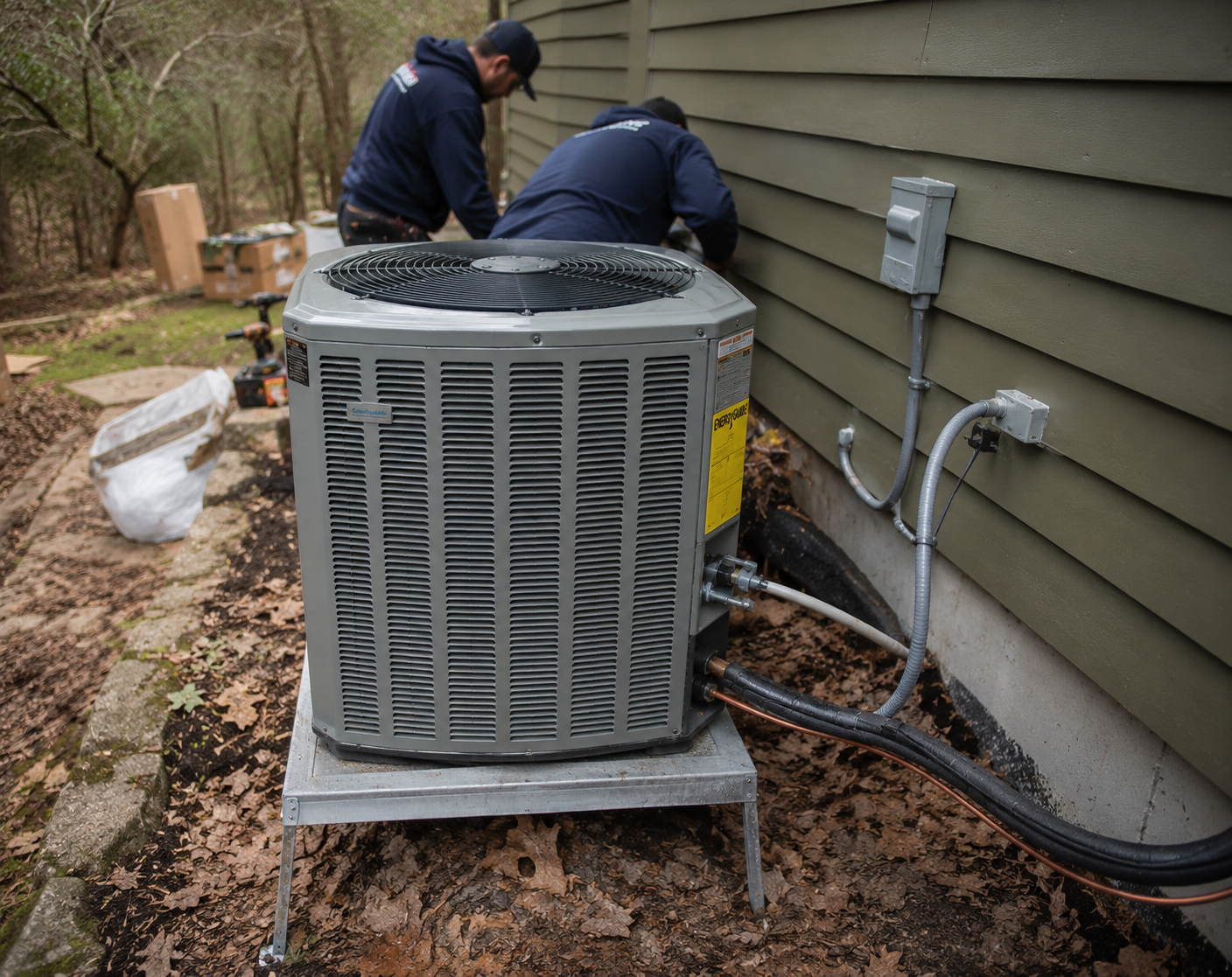
Install Stage Documentation
Document every phase of a new install: old equipment removal, pad or platform prep, line set routing, electrical connections, condensate drainage, and final startup readings. Stage-by-stage photo documentation gives you proof that the install was done to manufacturer spec, critical for warranty registration and compliance.
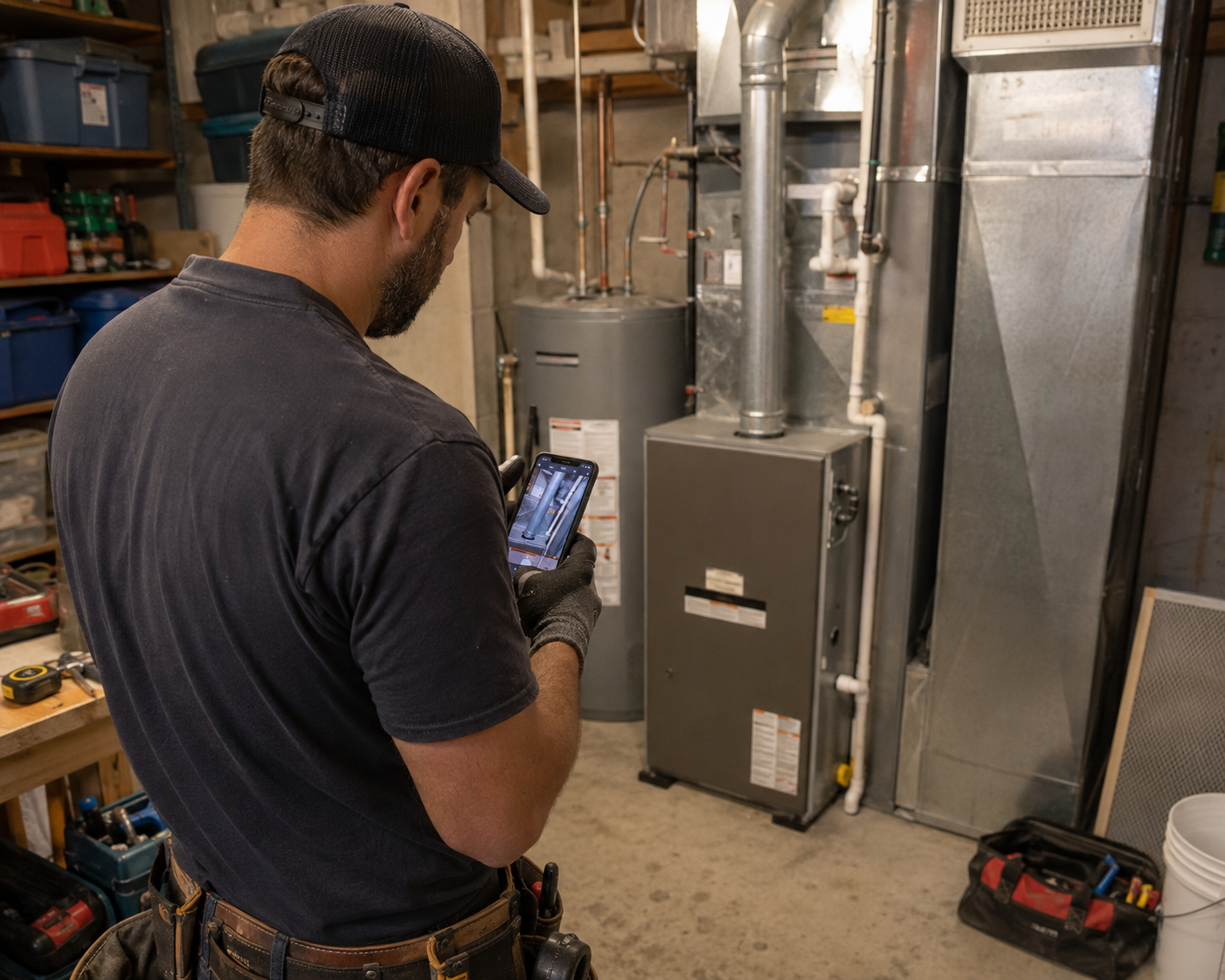
Service Visit Records
For recurring maintenance contracts and service calls, create a visual record of each visit: filter condition, coil cleanliness, capacitor readings, and any issues found. Timestamped photos prove your team showed up and did the work. When a customer disputes a service call or claims "nothing was done," you have the documentation to back it up.
Stop losing money to disputed callbacks.
30 days free. Document your next job and see how much easier proof-of-work gets.
Start Free TrialFree for 30 days. No credit card required.
Frequently Asked Questions
Questions HVAC contractors ask before getting started.
Will manufacturers accept Fieldpost photos for warranty claims?
Yes. Every photo is automatically timestamped and geotagged, and reports include all the metadata manufacturers ask for. HVAC contractors use Fieldpost reports for warranty registration, denied claim appeals, and proving installs were completed to manufacturer spec. The reports look professional enough to send directly to warranty departments without any cleanup.
What happens when I'm in an attic or crawlspace with no cell signal?
Fieldpost works fully offline. Capture photos, add notes, and organize them by job from anywhere. The app syncs to the cloud automatically the moment you're back in service. No lost photos, no waiting around for a signal to document a job.
Do my techs need training to use this?
No. The interface is built for one-handed use with work gloves on. Open the app, hit the camera button, photos get tagged to the right job automatically. Most HVAC techs are up and running in their first job. If you can use a phone camera, you can use Fieldpost.
How is this different from just using the camera roll on my phone?
Camera roll photos aren't organized by job, aren't backed up if a phone breaks or a tech leaves, can't be easily turned into a report, and don't prove timestamps or location in a way that holds up with manufacturers or adjusters. Fieldpost handles all of that automatically so you never have to dig through 5,000 photos to find the one you need.
How long does it take to generate a report?
Under 2 minutes for most jobs. Select the project, pick the photos you want included, choose a template (condition report, install documentation, service record), and Fieldpost generates a branded PDF you can email or text on the spot.
Can I add other techs and field staff to my account?
Yes. Plans start at 3 users for $25/month, with additional users at $10/month. Everyone gets the same features and sees the projects you give them access to. Add or remove techs as your crew changes. No annual contracts.
Common HVAC Contractors Workflows
See how HVAC contractors document specific scenarios.
Pre-Existing Damage Documentation
Document conditions before you touch a thing. The #1 liability protection in the trade.
Learn moreInsurance Claim Support
Build airtight photo packages adjusters can't dispute.
Learn morePermit & Code Compliance
Stage photos and refrigerant logs ready for any inspector.
Learn moreMaintenance & Service Records
Visual records for recurring service contracts and disputes.
Learn moreBefore & After Photos
Show finished work to clients and use it in your marketing.
Learn morePunch List Tracking
Snap, annotate, share. Close out jobs faster.
Learn moreOther Trades We Serve
Fieldpost is built for teams across the trades.
Plumbing Companies
Rough-in records, pressure test proof, and water damage liability protection.
View industry pageElectrical Contractors
Panel condition reports, rough-in records before drywall, and inspection-ready documentation.
View industry pageRoofing Contractors
Storm damage claims, tear-off condition records, and warranty-ready install documentation.
View industry pageRestoration Contractors
Pre-mitigation loss documentation, drying logs, and photo evidence adjusters accept.
View industry pageGeneral Contractors
Coordinate documentation across every trade, hold subs accountable, and keep owners updated on every phase.
View industry pageStart Documenting Your HVAC Jobs Today
Join HVAC contractors that protect their business with organized, professional photo documentation.
Free for 30 days. No credit card required.