Public Works
Documentation App
Document daily work, route conditions, and restoration: geotagged proof that supports pay estimates, defeats citizen claims, and survives the audit.





Trusted by 1,200+ field contractors across the trades.
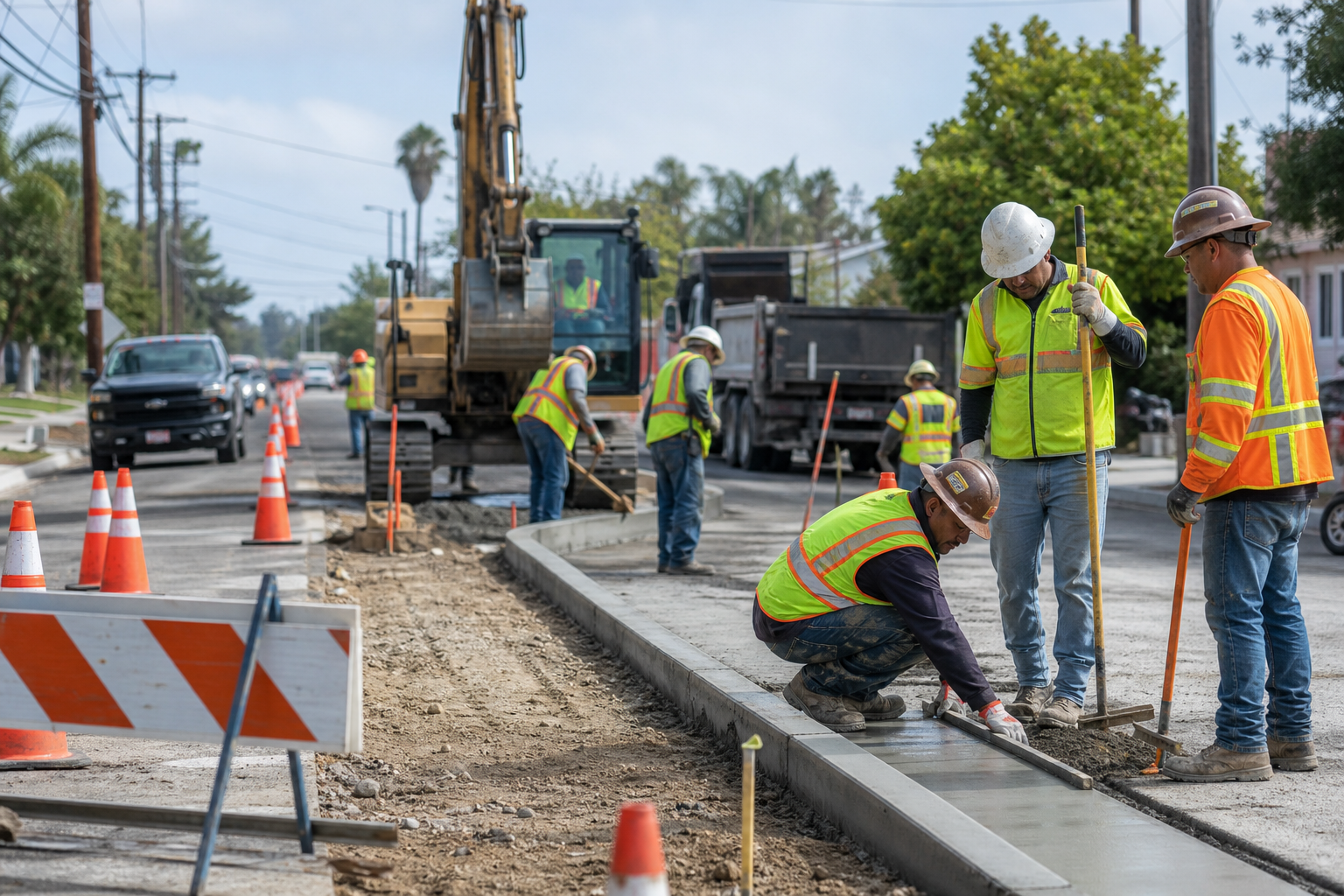



Without Documentation, You're Exposed
Public work means government paperwork, citizen claims, and audits. Here's what's at stake without records.
Agency Paperwork That Decides Payment
Public work runs on documentation: daily reports, quantities, traffic control compliance, inspector sign-offs. When the agency questions a pay estimate or a quantity, undocumented work is unpaid work — and disputes with a government client move at government speed.
Citizen Damage Claims
Work in public rights-of-way means hundreds of driveways, mailboxes, lawns, and parked cars along your projects. Residents file claims for damage your crew never touched — and without pre-construction photos along the route, the path of least resistance is paying them.
Compliance Exposure on Public Money
Prevailing wage reviews, DBE participation, environmental compliance, federal funding audits: public projects get audited years after closeout. Records scattered across crew phones and project trailers don't survive an audit — organized documentation does.
How It Works
Three simple steps to organized, professional documentation.
Document the Route First
Capture pre-construction conditions through the project limits: pavement, driveways, curbs, signs, landscaping. Every photo automatically timestamped and geotagged.
Build the Daily Record
Photos organized by project and date: work performed, quantities placed, traffic control, weather conditions, inspector interactions. The daily report writes itself.
Report & Share
Generate professional PDF reports in minutes. Send daily records to the agency inspector and claim responses to risk management.
Built for Municipal & Public Works Contractors
Every feature designed to save you time and protect your business.
Geotagged Project Photos
Every photo captures date, time, and GPS automatically — on a two-mile street project, the location stamp ties each photo to the exact station and address.
Public Works Categories
Organize photos by phase and type: pre-construction survey, daily work, traffic control, quantities, utility conflicts, punch list, restoration, final.
Agency-Ready Reports
Generate PDF reports formatted for daily records, pay estimate support, and claim responses. Documentation that satisfies inspectors and survives audits.
Automatic Cloud Backup
Every photo backed up automatically. Public project records need to survive to closeout plus the audit window — yours will.
Share with Inspectors & Risk Management
Send daily records to agency inspectors and photo evidence to risk managers and adjusters via email or text link, same day.
Built for the Right-of-Way
Fully offline capable, fast capture in traffic-controlled work zones. Document the day's work without leaving the cab unattended.
Real-World Use Cases
See how municipal & public works contractors use Fieldpost on every job.
Daily Records for the Agency
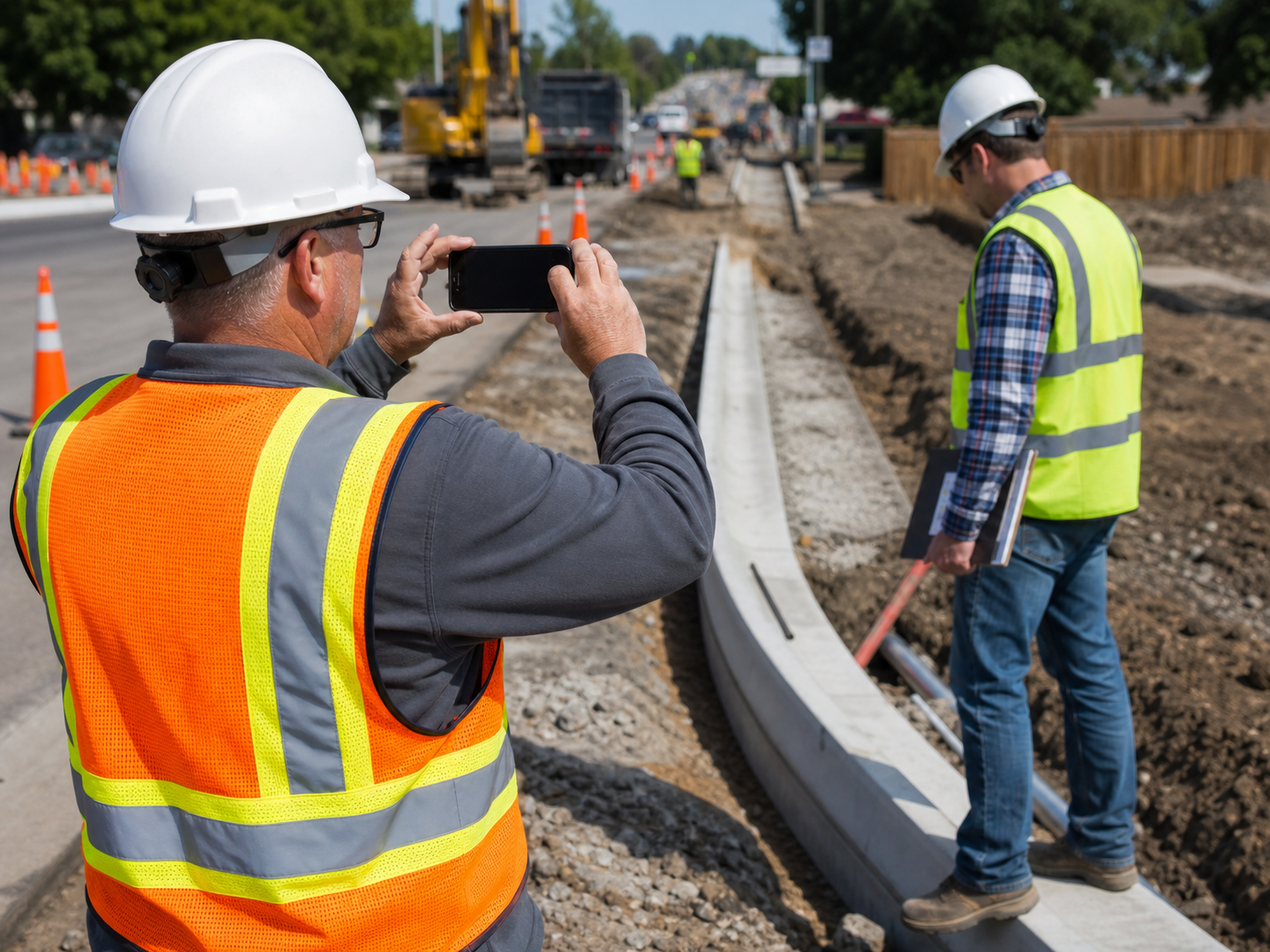
Photograph each day's work: stations completed, quantities placed, traffic control per the approved plan, weather conditions, utility conflicts encountered. Dated photos backing your daily reports make pay estimates move faster and give you the evidence when a quantity or delay dispute surfaces months later. On public work, the contractor with the better records wins the argument.
Citizen Claim Defense
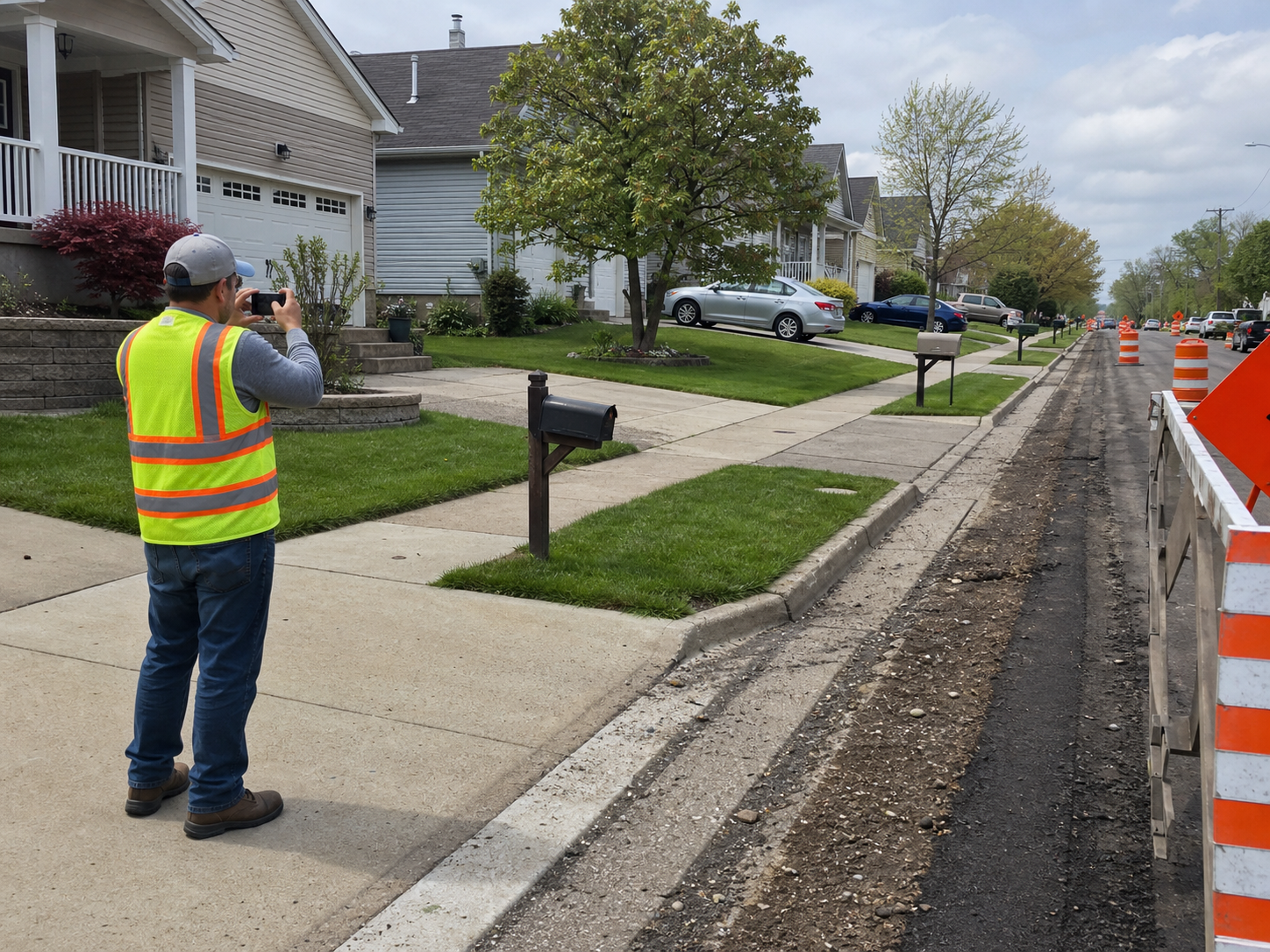
Before construction, photograph the route: every driveway apron, curb section, mailbox, irrigation head, and parked-car zone through the project limits. When a resident claims your paver cracked their driveway, the dated pre-construction photo of the existing crack closes the claim in one email. Municipal contractors that survey routes stop writing goodwill checks — and their insurance modifiers show it.
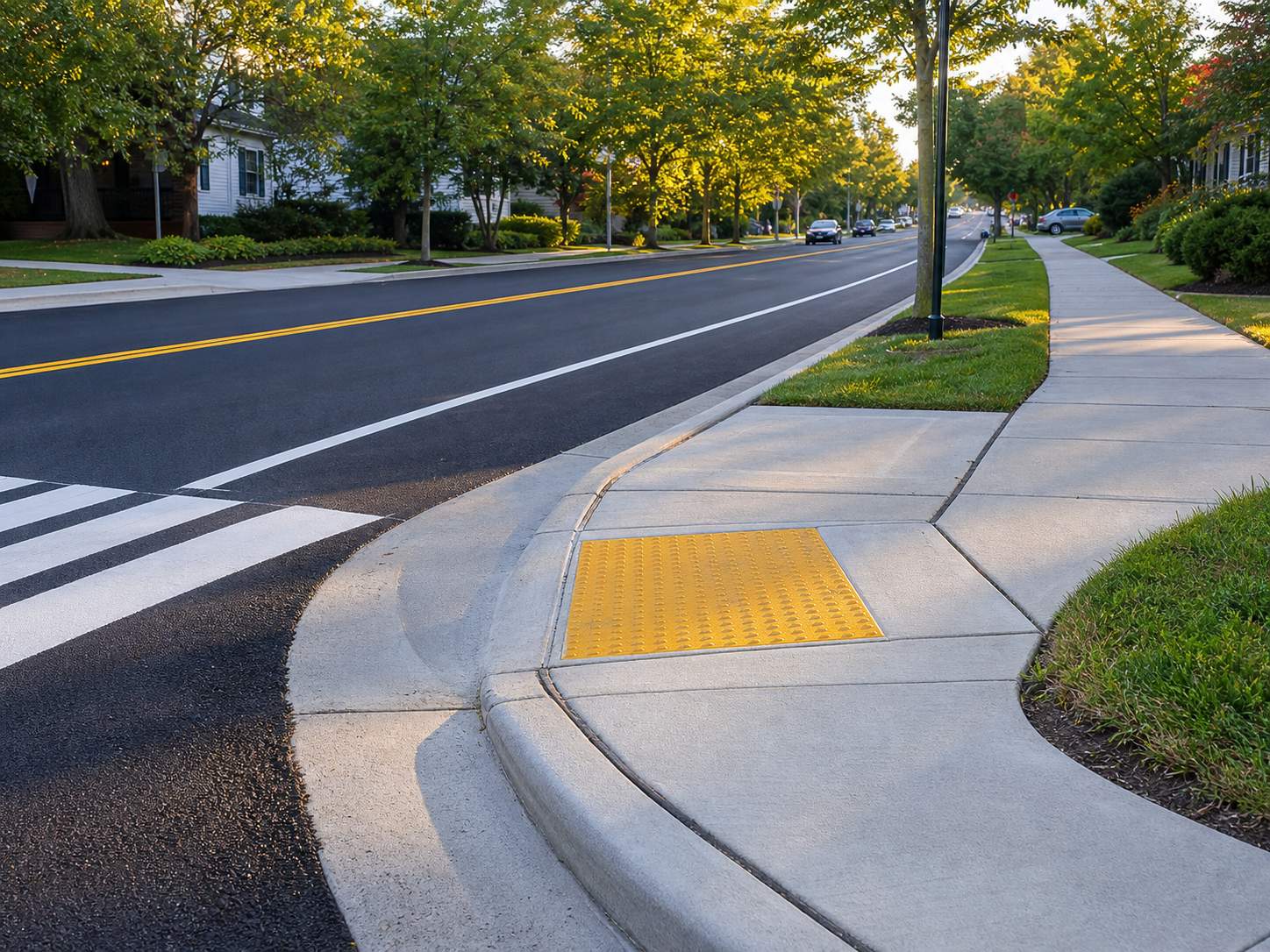
Closeout & Audit Files
Document completed improvements, restoration at every disturbed property, and punch list resolution. Public projects close slowly, and funding audits can arrive years later asking what was built, when, and to what standard. An organized photo record per project turns closeout review and audit response from a scramble into a lookup — and gets retention released on schedule.
On public work, the better record wins.
30 days free. Document your next project route before construction starts.
Start Free TrialFree for 30 days. No credit card required.
Frequently Asked Questions
Questions municipal & public works contractors ask before getting started.
Will agency inspectors accept Fieldpost reports as daily records?
Yes. Reports are dated, geotagged, and organized by day and category — more rigorous than the paper dailies most agencies receive. Many contractors send the day's photo record to the inspector each evening, which builds exactly the relationship you want on a multi-year public project.
How does the citizen claim defense actually work?
Photograph the route before construction — a crew can document a mile of residential frontage in under an hour. Claims get matched against the pre-construction photo at that address. Most claims end with one email containing one dated photo.
Can the records support a funding or compliance audit years later?
Yes. Everything is organized by project, dated, and backed up in the cloud — not in a trailer that got demobilized or on a super's old phone. When the audit letter arrives, the project record is intact and searchable.
Does it work in work zones with no coverage?
Yes. Fieldpost works fully offline. Capture photos anywhere on the project, and everything syncs automatically when you're back in coverage.
How is this different from the camera roll on my phone?
Camera roll photos aren't organized by project or station, vanish with phones and personnel changes, and can't support a pay estimate or audit response without days of sorting. Fieldpost organizes everything automatically and generates agency-ready reports in minutes.
Can I add multiple crews and superintendents to one account?
Yes. Plans start at 3 users for $25/month, with additional users at $10/month. Every crew documents to the same projects in real time. No annual contracts.
Common Municipal & Public Works Contractors Workflows
See how municipal & public works contractors document specific scenarios.
Daily Jobsite Progress Tracking
Daily records that satisfy inspectors and support pay estimates.
Learn morePre-Existing Damage Documentation
Every driveway on the route, documented before construction.
Learn moreLiability & Dispute Protection
Citizen claims answered with one dated photo.
Learn morePermit & Code Compliance
Traffic control and environmental compliance, photographed daily.
Learn moreProject Milestone Tracking
Tie photos to milestones so draws, payments, and sign-offs move faster.
Learn moreSafety & OSHA Documentation
PPE, hazards, and safety walks documented before OSHA asks.
Learn moreOther Trades We Serve
Fieldpost is built for teams across the trades.
Utility & Infrastructure Contractors
Trench depth, bedding, and as-built photo records that survive backfill.
View industry pageConcrete & Paving Contractors
Pre-pour records, subgrade prep, and proof your flatwork was placed to spec.
View industry pageExcavation & Sitework Contractors
Utility locates, grade verification, and buried-work documentation before backfill.
View industry pageDemolition Contractors
Pre-demo surveys of adjacent property, disconnect verification, and clearance documentation.
View industry pageGeneral Contractors
Coordinate documentation across every trade, hold subs accountable, and keep owners updated on every phase.
View industry pageStart Documenting Your Public Projects Today
Join municipal contractors that protect their pay estimates and reputation with organized photo documentation.
Free for 30 days. No credit card required.