Property Maintenance
Documentation App
Document work orders, unit turns, and inspections across your whole portfolio: timestamped proof that settles tenant disputes and defends liability claims.





Trusted by 1,200+ field contractors across the trades.




Without Documentation, You're Exposed
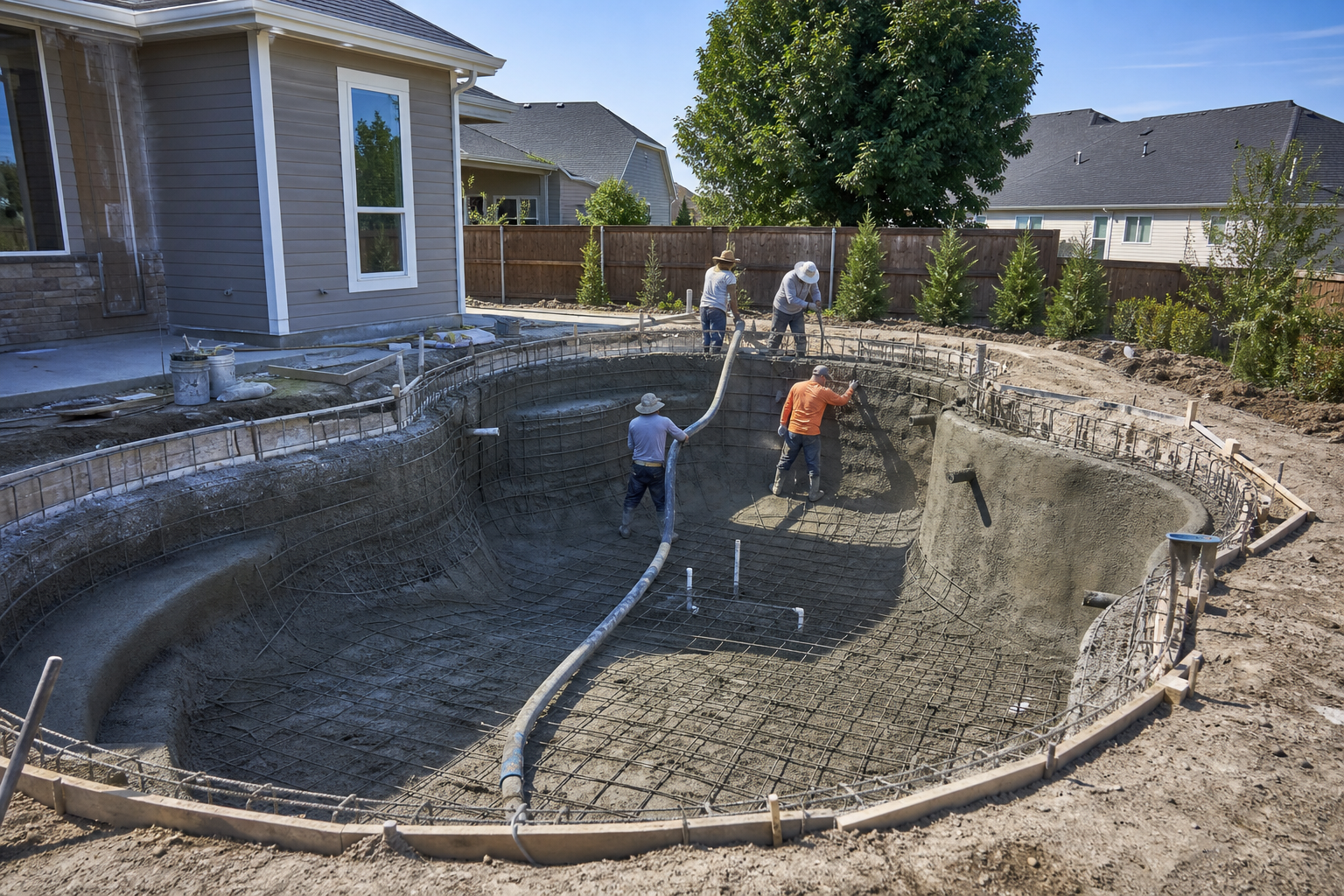
Maintenance teams answer for every condition on every property. Here's what's at stake without a record.
Tenant Damage Disputes
A tenant claims the stained carpet and broken blinds were there at move-in, and without dated unit photos you're eating the turn cost — or losing the security deposit argument in small claims court. Multiply that across a portfolio and it's real money every year.
"Nobody Ever Fixed That" Claims
Owners and tenants question whether work orders actually got done. A slip-and-fall lawsuit asks for proof the hazard was addressed. Completed work that lives only in a tech's memory or a closed ticket with no photo is completed work you can't prove.
Vendor Work You Can't Verify
You're paying roofers, plumbers, and landscapers across multiple properties you can't visit every day. Without photo verification of vendor work, you approve invoices on trust — and find out about shortcuts when something fails.
How It Works
Three simple steps to organized, professional documentation.
Document the Condition
Capture unit condition at move-in and move-out, hazards when reported, and equipment state before service. Every photo automatically timestamped and geotagged.
Organize by Property
Photos grouped by property and categorized by type: work orders, unit turns, inspections, vendor work, preventive maintenance. The whole portfolio in one organized record.
Report & Share
Generate professional PDF reports in minutes. Send completion proof to owners, managers, and tenants without leaving the property.
Built for Property & Facility Maintenance
Every feature designed to save you time and protect your business.
Timestamped Work Order Photos
Every photo captures date, time, and GPS automatically: dated proof the repair was completed, the hazard was addressed, and the unit looked exactly like this at move-in.
Property & Task Categories
Organize photos by property and by type: work orders, unit turns, move-in/move-out, preventive maintenance, inspections, vendor verification.
Owner & Tenant Reports
Generate PDF reports for owners, boards, and deposit disputes. Move-out condition packets, work order summaries, and inspection records on demand.
Automatic Cloud Backup
Every photo from every tech backed up automatically. Records stay with the property and the company, not with whoever's phone took them.
Share with Owners & Managers
Send reports and photos to property owners, regional managers, and tenants via email or text link, straight from the unit.
Built for the Maintenance Route
Fully offline capable, fast capture. Works in parking garages, basements, and mechanical rooms with no signal. Syncs automatically.
Real-World Use Cases
See how property & facility maintenance use Fieldpost on every job.
Work Order Before & After Proof
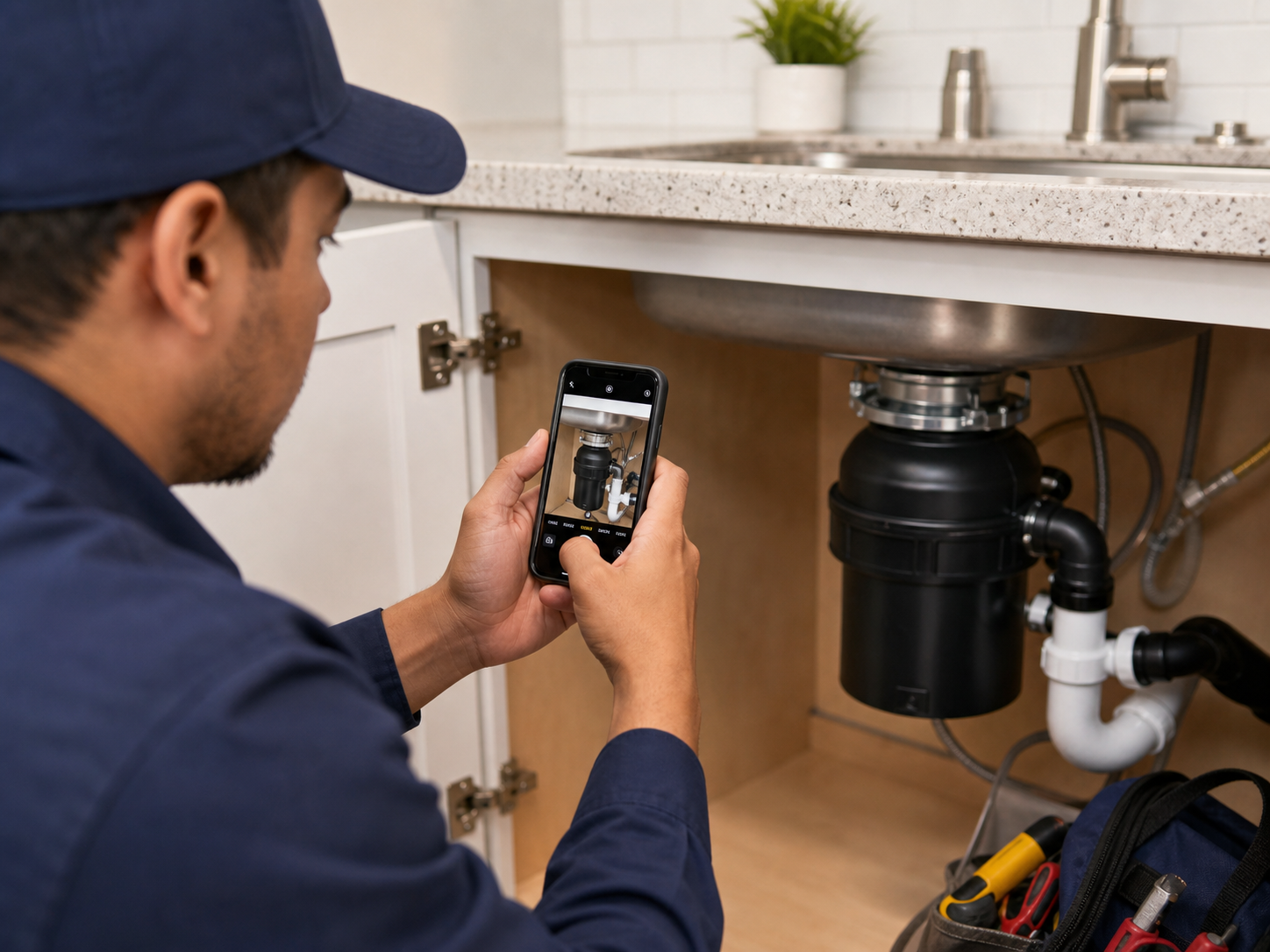
Photograph the leaking valve before the fix and the dry, repaired assembly after. Every closed work order carries visual proof the work happened — protection when a tenant claims nothing was done, when an owner audits maintenance spend, and when a slip-and-fall attorney asks exactly when that handrail was repaired. The ticket says "done"; the photos prove it.

Unit Turns & Move-In/Move-Out Records
Document every unit at move-in and move-out with a consistent photo walkthrough: flooring, walls, appliances, fixtures, blinds. Deposit disputes end when you produce dated move-in photos showing the carpet was new. Turn documentation also keeps vendors honest on scope — you can see exactly what the paint and clean crews did across every unit without visiting each one.

Inspections & Preventive Maintenance Logs
Build photo records of recurring inspections: roof drains before storm season, fire extinguisher tags, boiler room conditions, parking lot lighting. Dated inspection photos prove due diligence to insurers and protect against negligence claims. When the insurance carrier asks for your maintenance program evidence at renewal, you generate it in minutes instead of assembling it for a week.
Stop losing deposit disputes you should win.
30 days free. Photograph your next unit turn and see how fast arguments end.
Start Free TrialFree for 30 days. No credit card required.
Frequently Asked Questions
Questions property & facility maintenance ask before getting started.
Will move-in photos hold up in a security deposit dispute?
Yes. Timestamped photos of unit condition at move-in are exactly what small claims judges and mediators ask for. A consistent photo walkthrough at every move-in and move-out turns deposit disputes from arguments into lookups.
Can I organize photos across an entire portfolio of properties?
Yes. Each property is its own project with its own categories — work orders, turns, inspections, vendor work. Techs document to the property they're standing in, and you see the whole portfolio organized in one place.
Can I verify vendor work without driving to the property?
Yes. Require vendors' work to be photographed by your on-site tech, or add vendor crews as users on specific projects. Either way, you review the photos before approving the invoice — from your desk.
How does this help with liability and slip-and-fall claims?
Dated photos of completed repairs and routine inspections establish a documented maintenance program — the core of a negligence defense. When an attorney asks when the stairwell light was fixed, you answer with a timestamped photo instead of a guess.
Do my techs need training to use this?
No. Open the app, hit the camera button, photos tag to the right property automatically. Techs are documenting on their first work order. If you can use a phone camera, you can use Fieldpost.
Can I add my whole maintenance team to one account?
Yes. Plans start at 3 users for $25/month, with additional users at $10/month. Every tech documents to shared properties in real time. Add or remove users as staffing changes. No annual contracts.
Common Property & Facility Maintenance Workflows
See how property & facility maintenance document specific scenarios.
Maintenance & Service Records
Visual proof behind every closed work order.
Learn moreProperty Condition Assessments
Move-in, move-out, and annual condition reports.
Learn moreLiability & Dispute Protection
A documented maintenance program that defends negligence claims.
Learn moreBefore & After Photos
Turns and repairs, shown to owners without a site visit.
Learn moreRemote Project Oversight
See every jobsite without driving to it.
Learn moreSubcontractor Accountability
Verify sub work before you pay for it.
Learn moreOther Trades We Serve
Fieldpost is built for teams across the trades.
Cleaning & Pressure Washing
Pre-existing damage documentation and before-and-after photos that win commercial contracts.
View industry pageHVAC Contractors
Pre-existing conditions, install stages, refrigerant logs, and warranty-ready service records.
View industry pagePlumbing Companies
Rough-in records, pressure test proof, and water damage liability protection.
View industry pageLandscaping Companies
Irrigation and drainage documentation before backfill, plus before-and-after photos that sell.
View industry pagePainting & Finishing Contractors
Pre-paint condition records, surface prep documentation, and final walkthrough proof.
View industry pageStart Documenting Your Properties Today
Join maintenance teams that protect their portfolio with organized, professional photo documentation.
Free for 30 days. No credit card required.