Roofing Contractor
Documentation App
Document storm damage, tear-off conditions, and every install stage: timestamped proof that holds up with adjusters, manufacturers, and homeowners.





Trusted by 1,200+ field contractors across the trades.
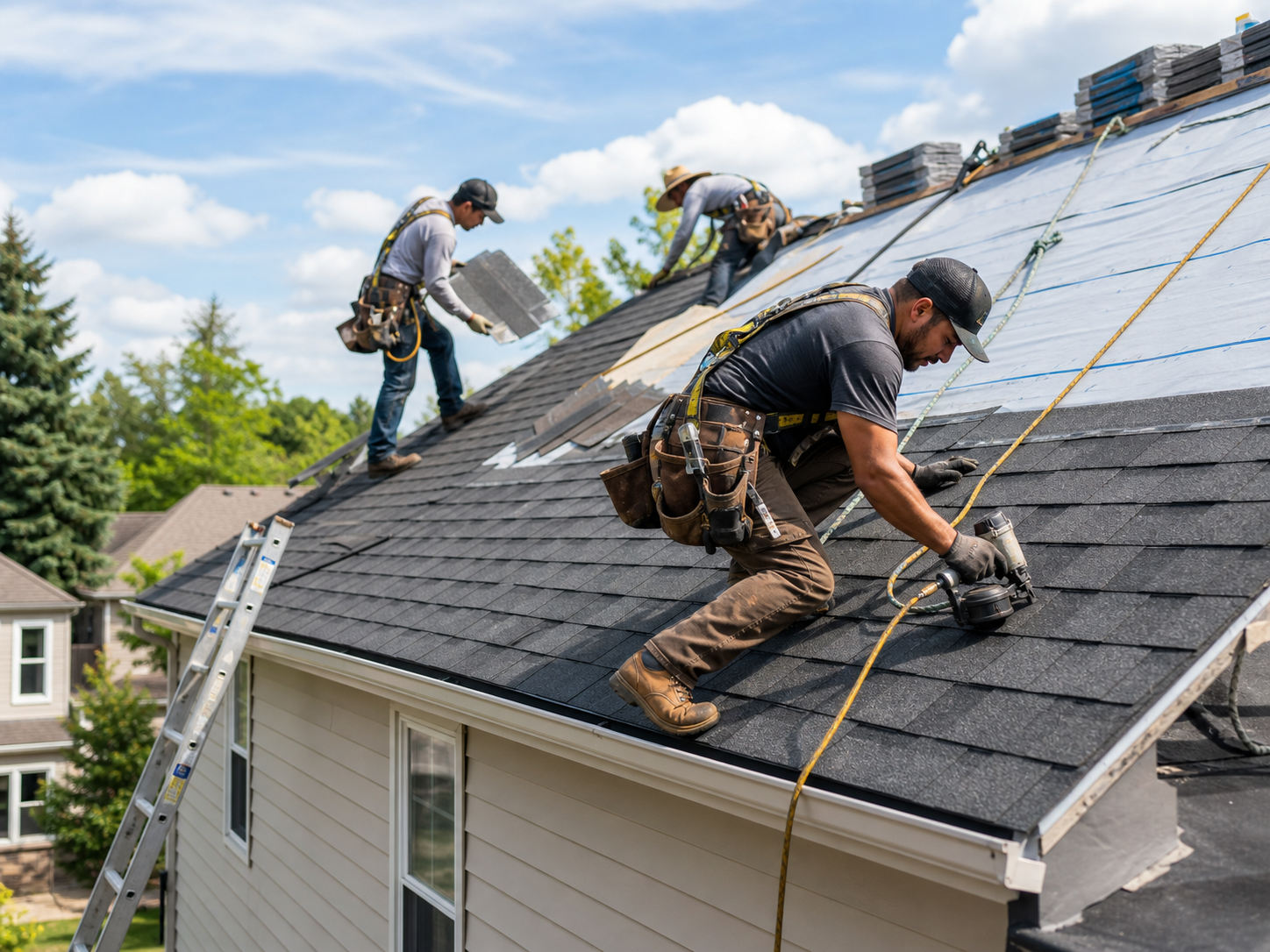




Without Documentation, You're Exposed
Roofing contractors face unique risks when field work isn't properly documented. Here's what's at stake.
Denied Insurance Claims
Adjusters reject supplements and homeowners lose claims when storm damage isn't documented before tear-off. No photos of the hail strikes, wind creases, or deteriorated decking means no payout — and an unhappy customer blaming you.
Warranty Disputes Without Proof
Shingle manufacturers deny warranty claims over installation errors: wrong nailing pattern, missing starter strip, bad flashing detail. Without stage photos proving the install met spec, a manufacturing defect becomes your expense.
"You Damaged My Property" Callbacks
Cracked driveways, dented gutters, crushed landscaping: homeowners notice old damage after your crew leaves and assume you caused it. Without pre-job photos of the property, you're paying for repairs you didn't cause.
How It Works
Three simple steps to organized, professional documentation.
Document Before Tear-Off
Capture the existing roof, storm damage, and surrounding property: driveway, gutters, siding, landscaping. Every photo is automatically timestamped and geotagged before a single shingle comes off.
Organize by Stage
Photos grouped by job and categorized by stage: pre-existing conditions, tear-off, deck repair, underlayment, flashing, final install. Notes and annotations keep context clear.
Report & Share
Generate professional PDF reports in minutes. Send to adjusters, manufacturers, or homeowners via email or text, straight from the rooftop.
Built for Roofing Contractors
Every feature designed to save you time and protect your business.
Timestamped Roof Photos
Every photo captures date, time, and GPS automatically: proof the damage existed before tear-off and the install was done right, tied to the exact address.
Roofing Stage Categories
Organize photos by phase: pre-existing conditions, tear-off, decking, underlayment, ice and water shield, flashing, shingle install, ridge cap, cleanup. Every stage documented.
Adjuster-Ready Reports
Generate PDF reports formatted for insurance claims and supplements. Photo evidence of every hail strike and wind crease, organized by slope and elevation.
Automatic Cloud Backup
Every photo backed up automatically. Never lose storm documentation because a phone fell off a roof, broke, or left with a former crew member.
Share with Adjusters & Homeowners
Send reports and photos directly to insurance adjusters, manufacturers, or homeowners via email or text link, before you're even off the jobsite.
Built for the Rooftop
Fully offline capable, one-handed operation with gloves on. Capture and organize photos from the roof, syncs automatically when you're back in service.
Real-World Use Cases
See how roofing contractors use Fieldpost on every job.
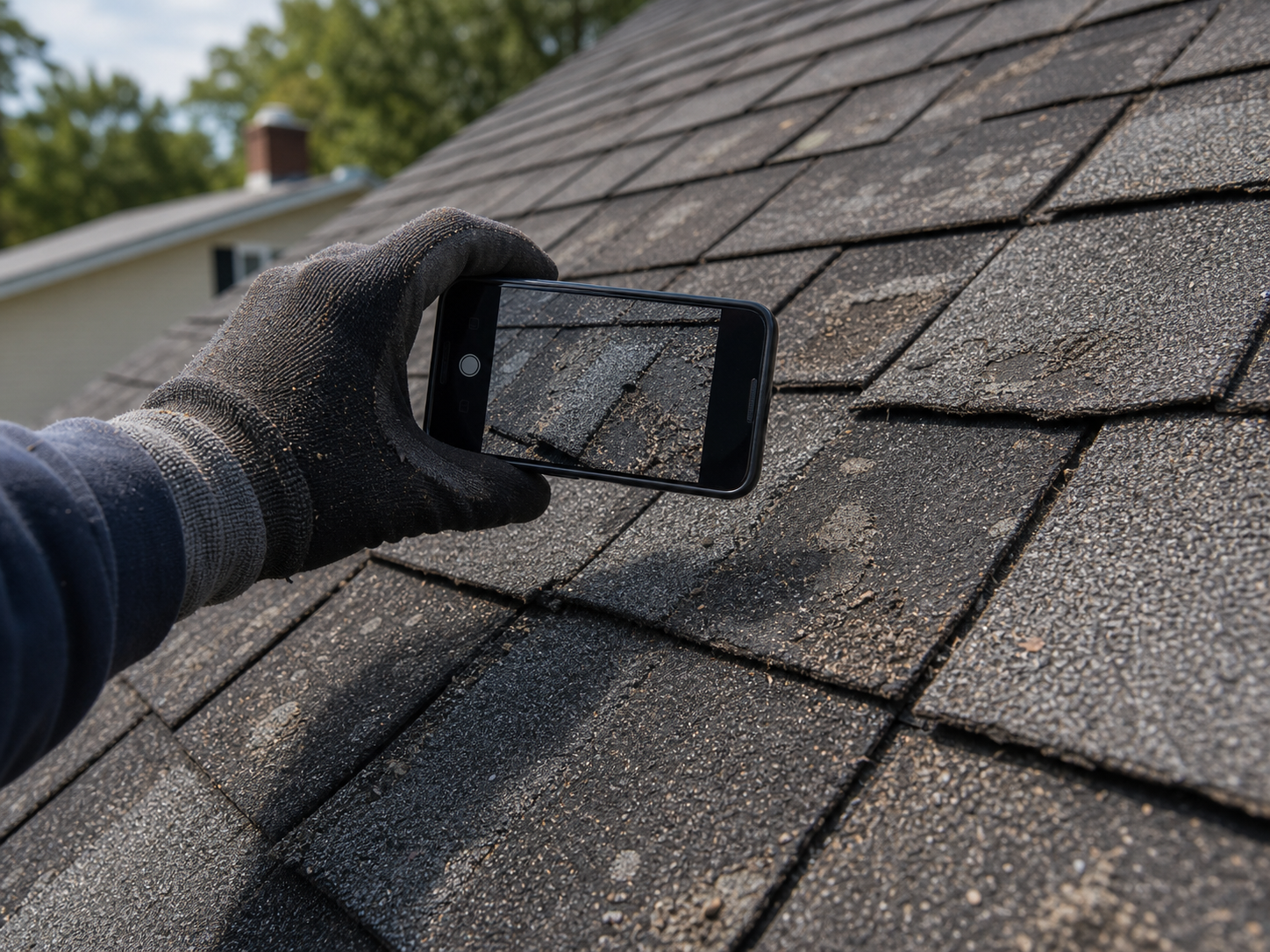
Storm Damage Claims
After a hail or wind event, document every strike, crease, and granule loss slope by slope before the adjuster arrives. Timestamped, geotagged photos organized by elevation give adjusters exactly what they need to approve the claim — and give you the evidence to fight a lowball scope or win a supplement. Roofers who show up with an organized photo package settle claims faster and at higher amounts.
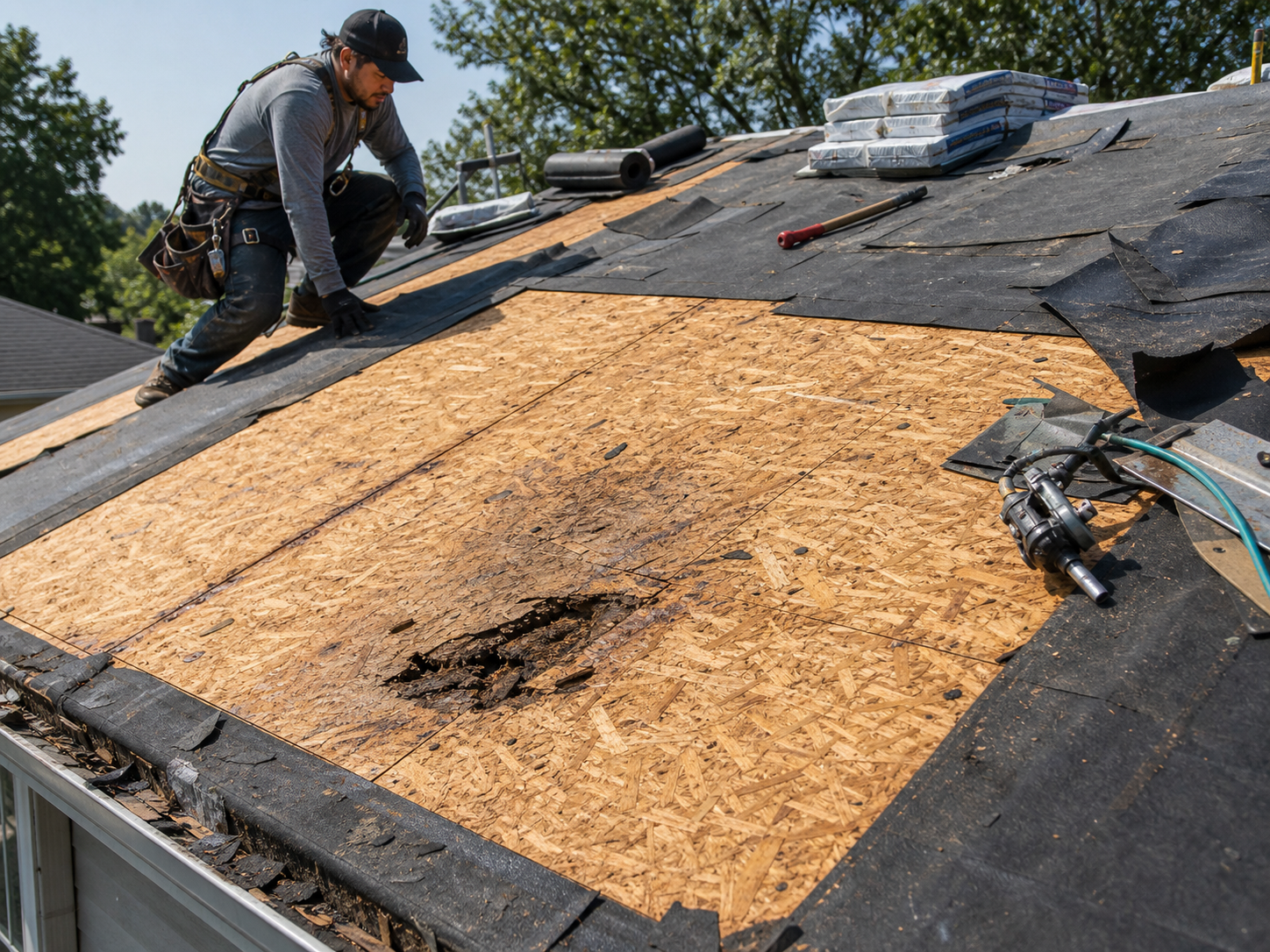
Tear-Off & Deck Condition Records
The moment the old roof comes off, document what you found: rotted decking, improper ventilation, previous bad repairs, hidden water damage. This is the evidence that justifies change orders for deck replacement and protects you when a homeowner questions the extra cost. No photo of the rot means an argument; a timestamped photo means an approved change order.
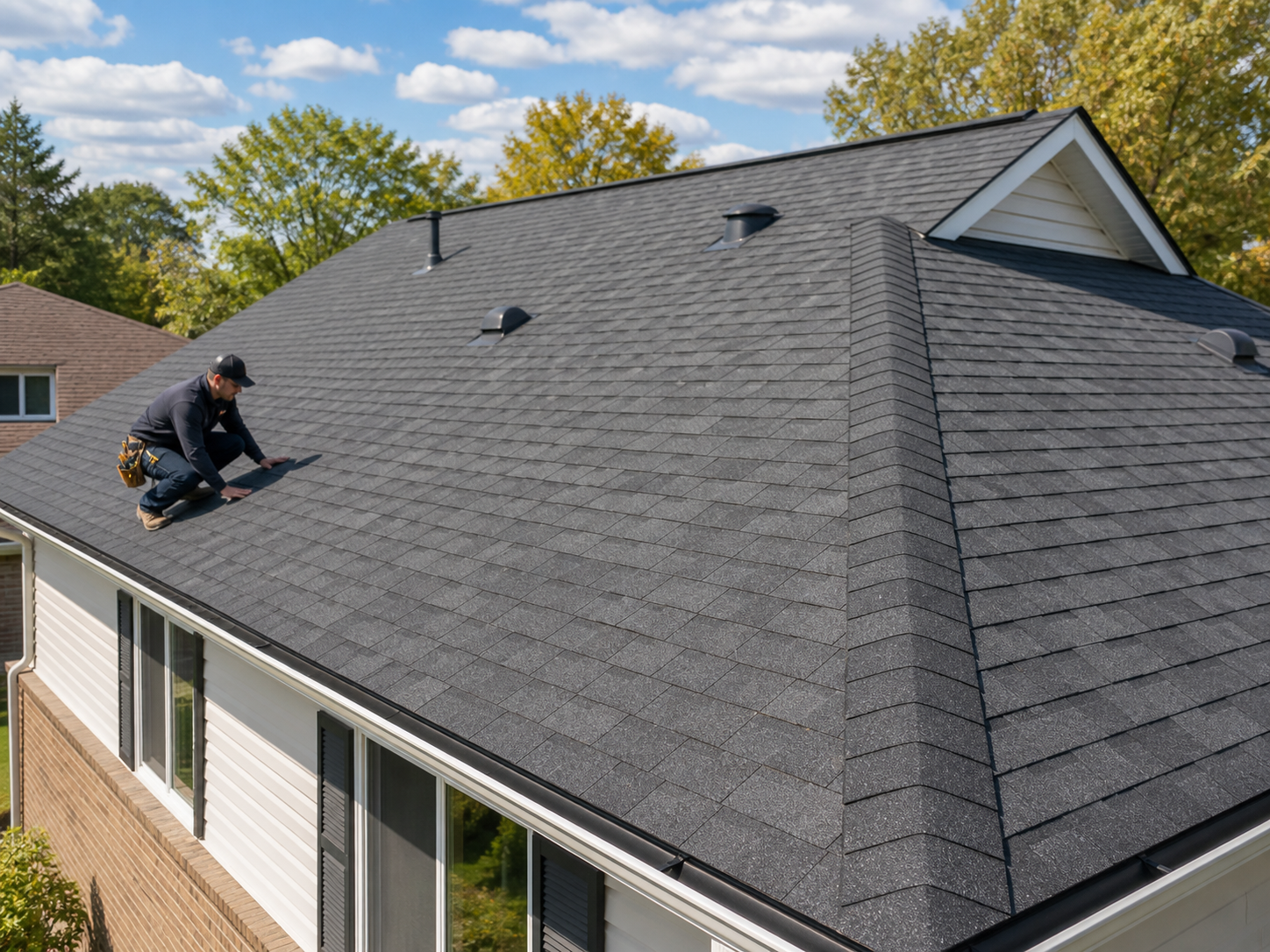
Warranty Registration Packets
Document every install detail manufacturers care about: nailing pattern, starter course, underlayment laps, valley and flashing details, ridge ventilation. When a shingle fails years later, your stage-by-stage install photos prove the application met spec — turning a denied warranty claim into a covered one and keeping the manufacturer's problem from becoming yours.
Stop losing supplements to missing photos.
30 days free. Document your next storm job and see how much faster claims settle.
Start Free TrialFree for 30 days. No credit card required.
Frequently Asked Questions
Questions roofing contractors ask before getting started.
Will insurance adjusters accept Fieldpost photos for storm claims?
Yes. Every photo is automatically timestamped and geotagged, which is exactly what adjusters look for in claim documentation. Roofers use Fieldpost reports for initial claims, supplements, and appraisal disputes. The PDF reports organize damage photos by slope and elevation so the adjuster can verify scope without a second site visit.
Can my crew use it on the roof with gloves on?
That's what it's built for. Open the app, hit the camera button, and photos tag to the right job automatically. One-handed operation, big buttons, no fiddly menus while you're standing on a 8/12 pitch.
What if there's no cell signal at the jobsite?
Fieldpost works fully offline. Capture photos, add notes, and organize them by job from anywhere. Everything syncs to the cloud automatically the moment you're back in service.
How is this different from the camera roll on my phone?
Camera roll photos aren't organized by job, disappear when a phone breaks or a crew member leaves, and can't prove timestamps or location in a way that holds up with adjusters and manufacturers. Fieldpost organizes everything by job and stage automatically, backs it up, and turns it into a professional report in under two minutes.
How fast can I get a report to an adjuster?
Under 2 minutes for most jobs. Select the project, pick the photos, choose a template, and Fieldpost generates a branded PDF you can email or text from the driveway before you leave the inspection.
Can I add my whole crew to one account?
Yes. Plans start at 3 users for $25/month, with additional users at $10/month. Everyone documents to the same jobs, and you see every photo from every crew in real time. Add or remove crew members as your roster changes. No annual contracts.
Common Roofing Contractors Workflows
See how roofing contractors document specific scenarios.
Storm & Emergency Damage Documentation
Document hail and wind damage fast, before tarps go on and evidence disappears.
Learn moreInsurance Claim Support
Photo packages organized by slope and elevation that adjusters can't dispute.
Learn morePre-Existing Damage Documentation
Driveways, gutters, landscaping — prove the damage was there before your crew arrived.
Learn moreHidden Conditions & Change Orders
Rotted decking and bad repairs, documented for fast change order approval.
Learn moreBefore & After Photos
Show finished work to clients and use it in your marketing.
Learn moreCustomer Progress Updates
Professional progress reports that keep clients off your phone.
Learn moreOther Trades We Serve
Fieldpost is built for teams across the trades.
Siding & Exterior Trades
Housewrap and flashing records before siding goes on, plus hidden rot documentation.
View industry pageRestoration Contractors
Pre-mitigation loss documentation, drying logs, and photo evidence adjusters accept.
View industry pageSolar & Energy Contractors
Roof condition before install, attachment and flashing records, and PTO-ready inspection packets.
View industry pageGeneral Contractors
Coordinate documentation across every trade, hold subs accountable, and keep owners updated on every phase.
View industry pageHVAC Contractors
Pre-existing conditions, install stages, refrigerant logs, and warranty-ready service records.
View industry pageStart Documenting Your Roofing Jobs Today
Join roofing contractors that protect their business with organized, professional photo documentation.
Free for 30 days. No credit card required.